Windows computers handle everything from work projects to gaming. Sometimes you need to transfer files securely between systems or access remote servers. That’s where you might hit a wall. This is why having a reliable Secure Copy Protocol tool is essential for Windows users. The best part? You don’t need expensive software to get started. Let’s take a look at the best SCP for Windows that gives you encrypted file transfers without spending a dime!
- 12 Best Free SCP for Windows
- WinSCP
- SFTPPlus
- ExaVault
- SolarWinds SFTP/SCP Server
- Mac OS Native SCP Server
- Cygwin
- Bitvise SSH Server
- Files.com
- OpenSSH
- FreeSSHD
- PuTTY
- Dropbear SCP/SHH
12 Best Free SCP for Windows
From command-line efficiency to user-friendly interfaces, these SCP tools bring you everything you need.
1.WinSCP
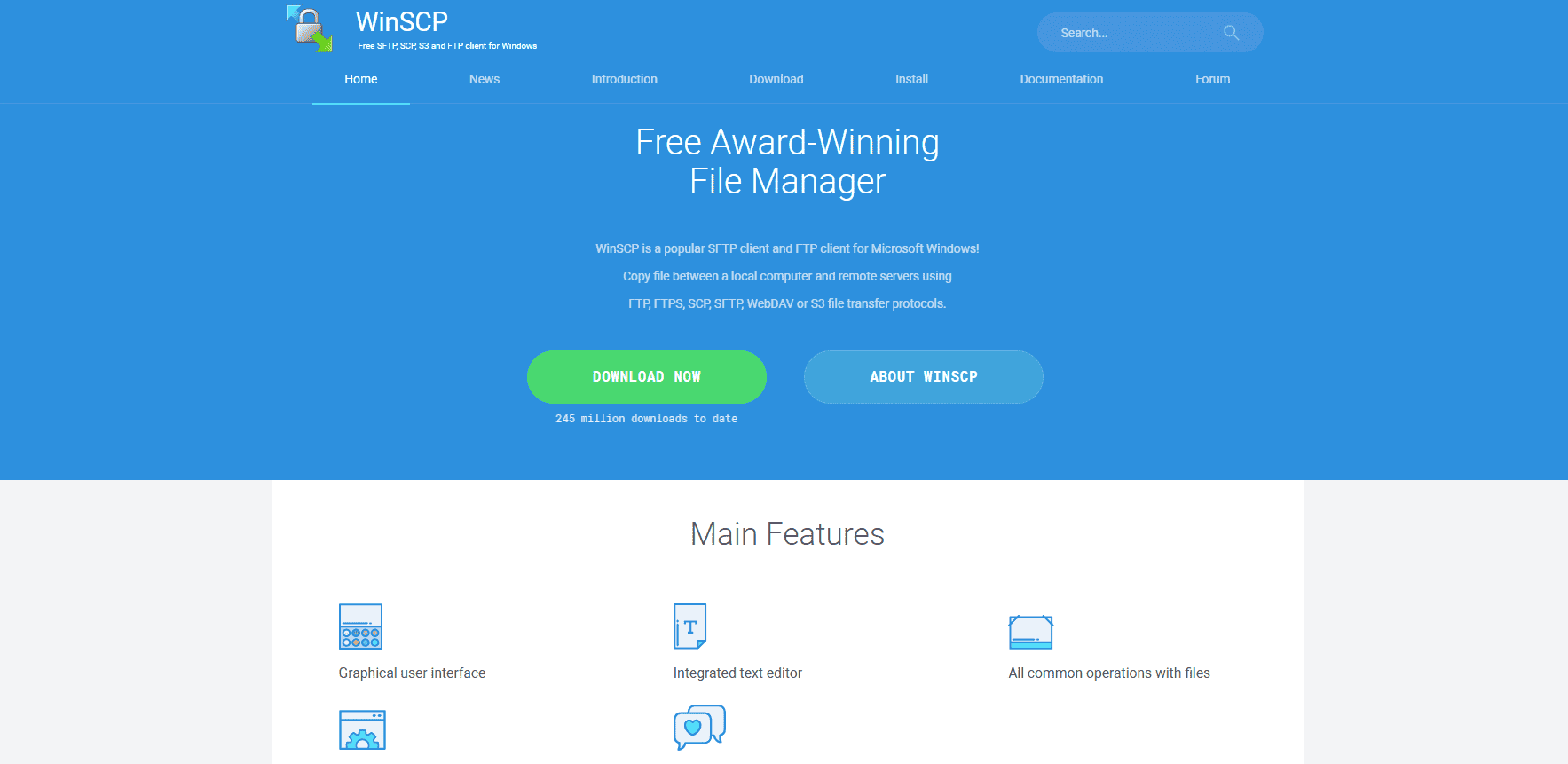
WinSCP is a versatile SFTP and FTP client for Windows that supports multiple protocols, including FTP, FTPS, SCP, SFTP, WebDAV, and S3. It comes with both a graphical interface and a command-line option, giving users flexibility in how they manage transfers. Beyond basic file copying, it offers advanced features like scripting, automation, background transfers, and AES-256 encryption. You can edit files directly with its built-in text editor and make use of transfer queues or resume interrupted uploads. With extras like workspaces, tunneling, and directory caching, it’s a powerful tool for both casual and power users.
2.SFTPPlus
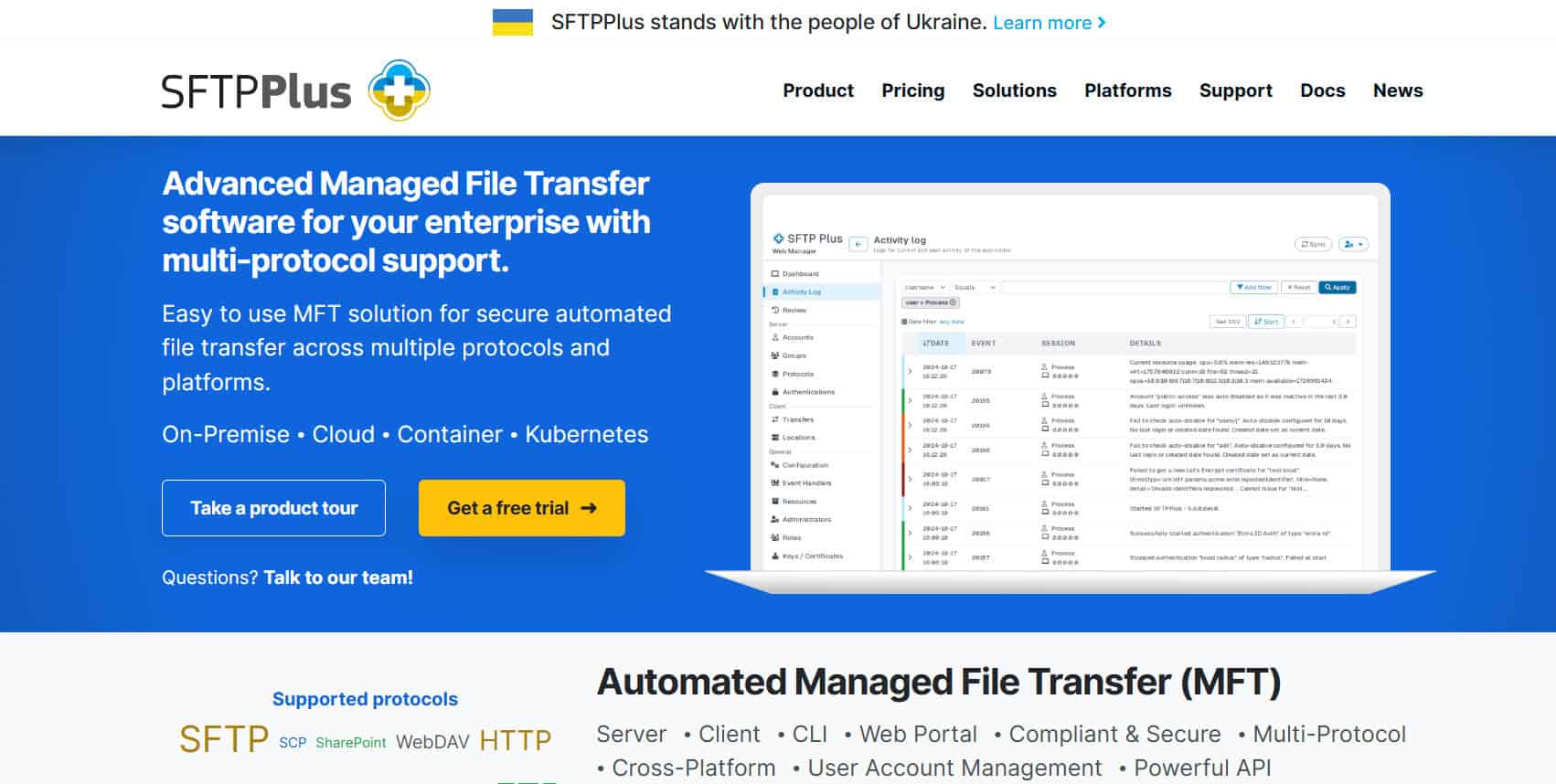
SFTPPlus MFT Server supports SFTP, FTPS, and HTTPS, offering encrypted file transfer for maximum security. It’s cross-platform, working with any protocol-compliant client on virtually any server OS. Key features include browser-based file management, user account control, external database authentication, and detailed auditing. The trial lasts for 30 days with free support, after which the server license costs $1,500 per installation and the client license $1,000. It’s a strong enterprise-grade choice for those needing a secure and managed transfer solution.
3.ExaVault
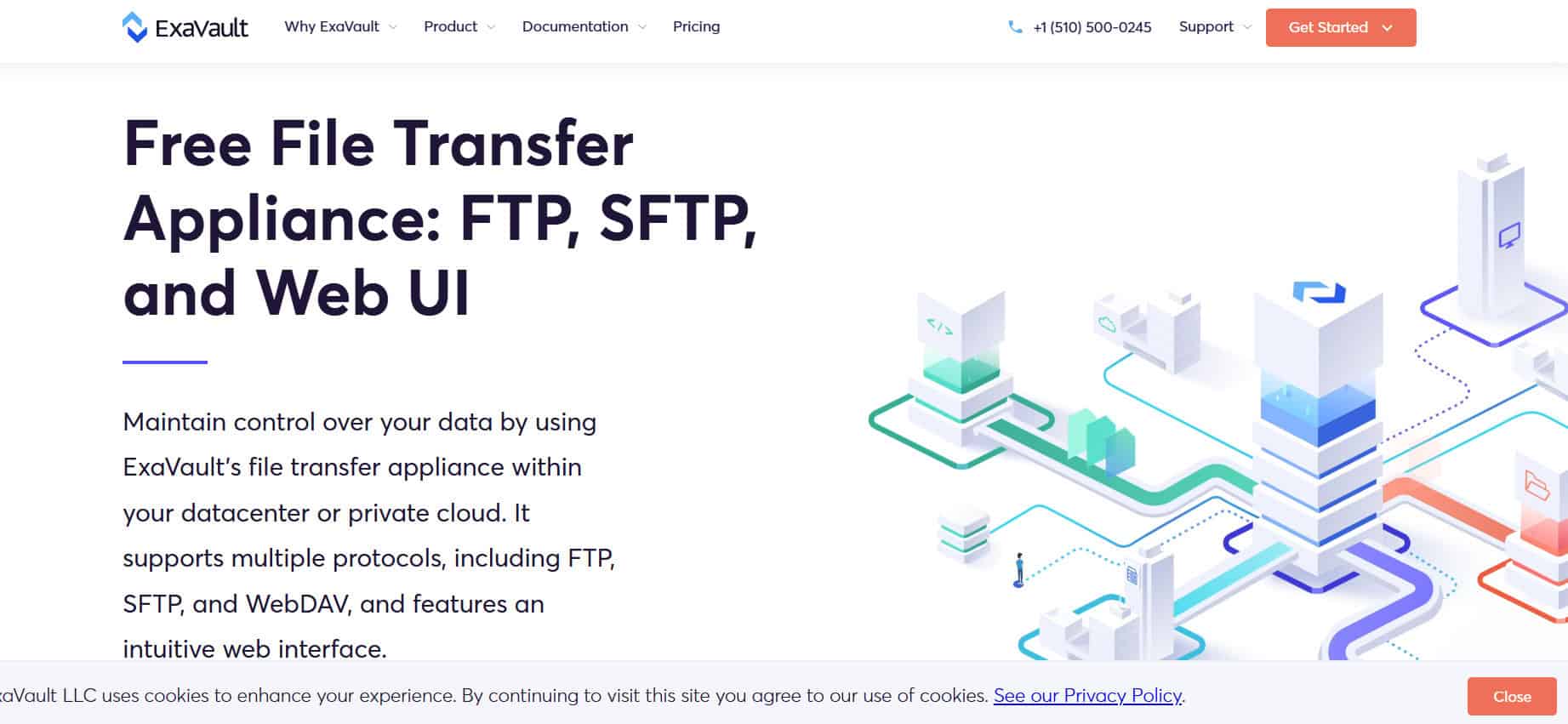
ExaVault is a cloud-based SaaS platform delivering hosted FTP services accessible through a browser or integrated into everyday tools like productivity suites or cloud drives. It supports secure file transfers via SFTP, SCP, and WebDAV, and even offers embeddable file upload/download widgets for websites via its API. Files can be shared through secure links or synced across devices for internal users. The system can also be used for backups and cloud storage synchronization. With its integration-friendly design, ExaVault fits smoothly into existing workflows.
4.SolarWinds SFTP/SCP Server
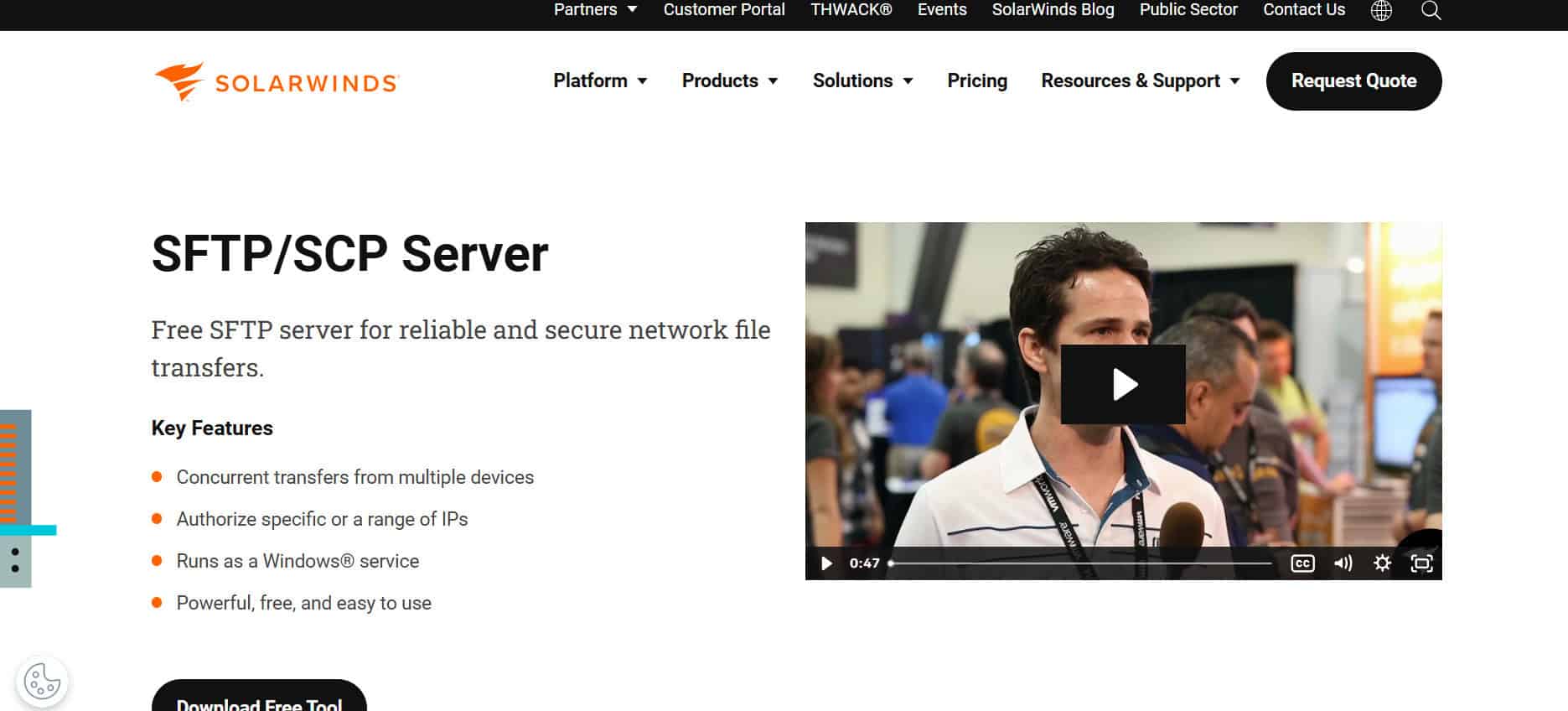
SolarWinds SFTP/SCP Server is a secure and dependable solution for transferring large files, supporting sizes up to 4GB. It’s great for network tasks like pushing firmware updates, OS images, or backing up configuration files. Running as a Windows Service, it supports concurrent device connections and IP range authorization for added control. Additional tools include advanced configuration templates, versioning, and search functions. This makes it a reliable pick for IT teams managing multiple devices.
5.Mac OSNative SCP Server
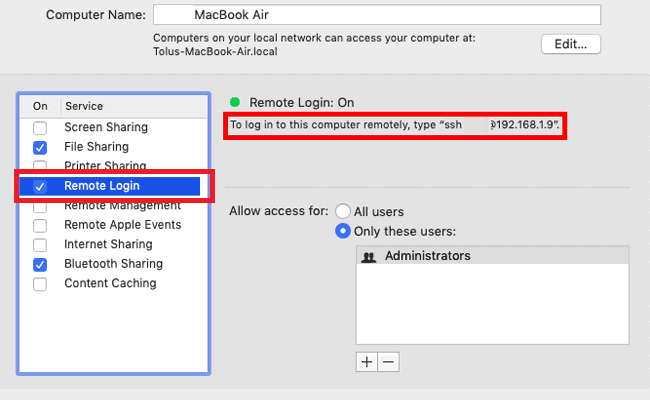
Mac OS comes with built-in SSH and SCP support, so enabling file transfers is as simple as turning on Remote Login in System Preferences. This allows connections without complex configuration, with permissions based on existing user accounts, making it one of the best SCP for Windows.
6.Cygwin

Cygwin brings Linux-like functionality to Windows, offering POSIX API support and remote transfer tools like FTP, SCP, rsync, and unison. It includes multiple GUI frameworks, open-source packages, and X applications, making it versatile for developers. While Mac’s option is simple and ready-to-use, Cygwin is more of a feature-rich toolkit for advanced workflows.
7.Bitvise SSH Server
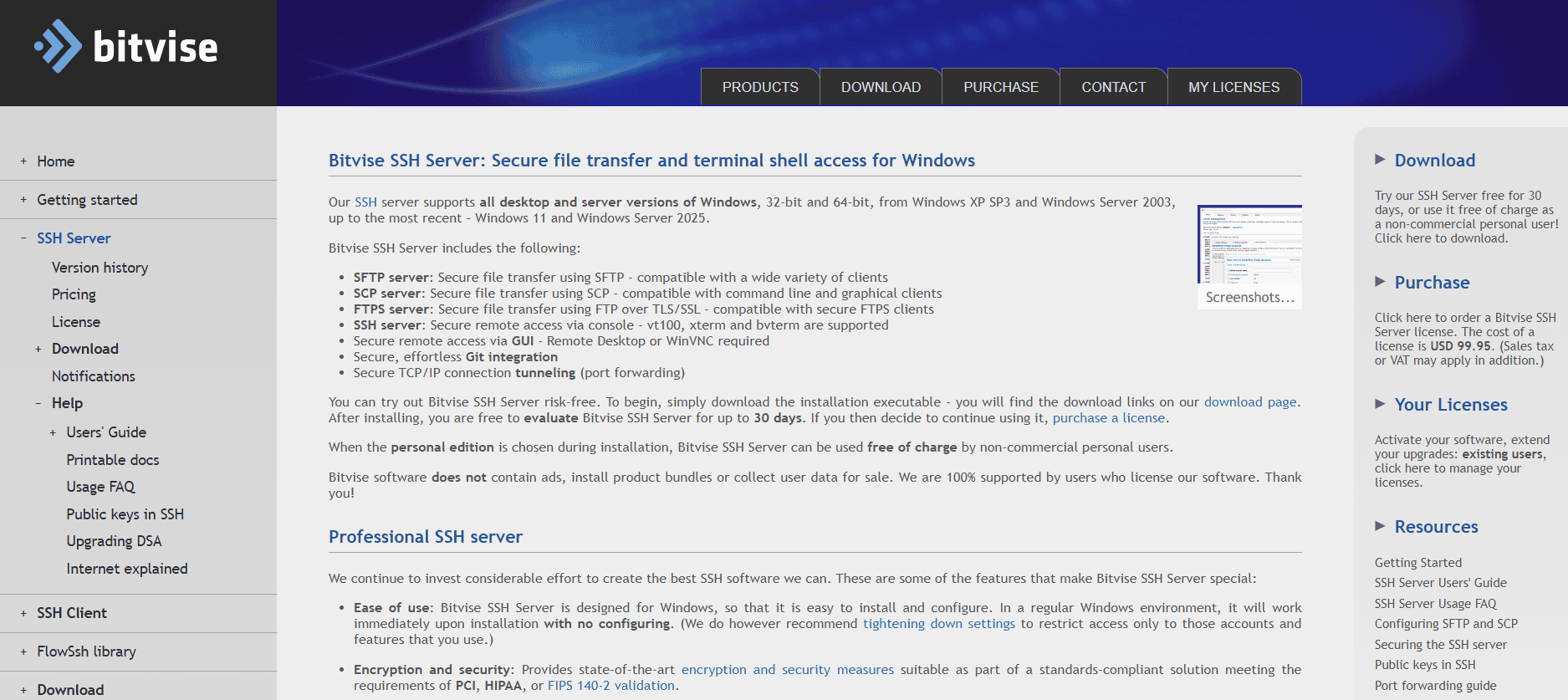
Bitvise SSH Server supports secure file transfers via SFTP, SCP, and FTP, with the flexibility to set custom upload and download speed limits per user or group. It allows the creation of virtual accounts, so you can host an SFTP server with multiple users without juggling numerous Windows accounts. The platform includes console-based remote access, strong encryption, and FTPS support for file transfers. Two-factor authentication is available for SSH, SFTP, and SCP connections, and it works with authenticator apps like Google Authenticator, Microsoft Authenticator, and LastPass. A license costs $99.95 with a 30-day free trial, and it’s free for non-commercial personal use, making it one of the best SCP for Windows.
8.Files.com
9.OpenSSH
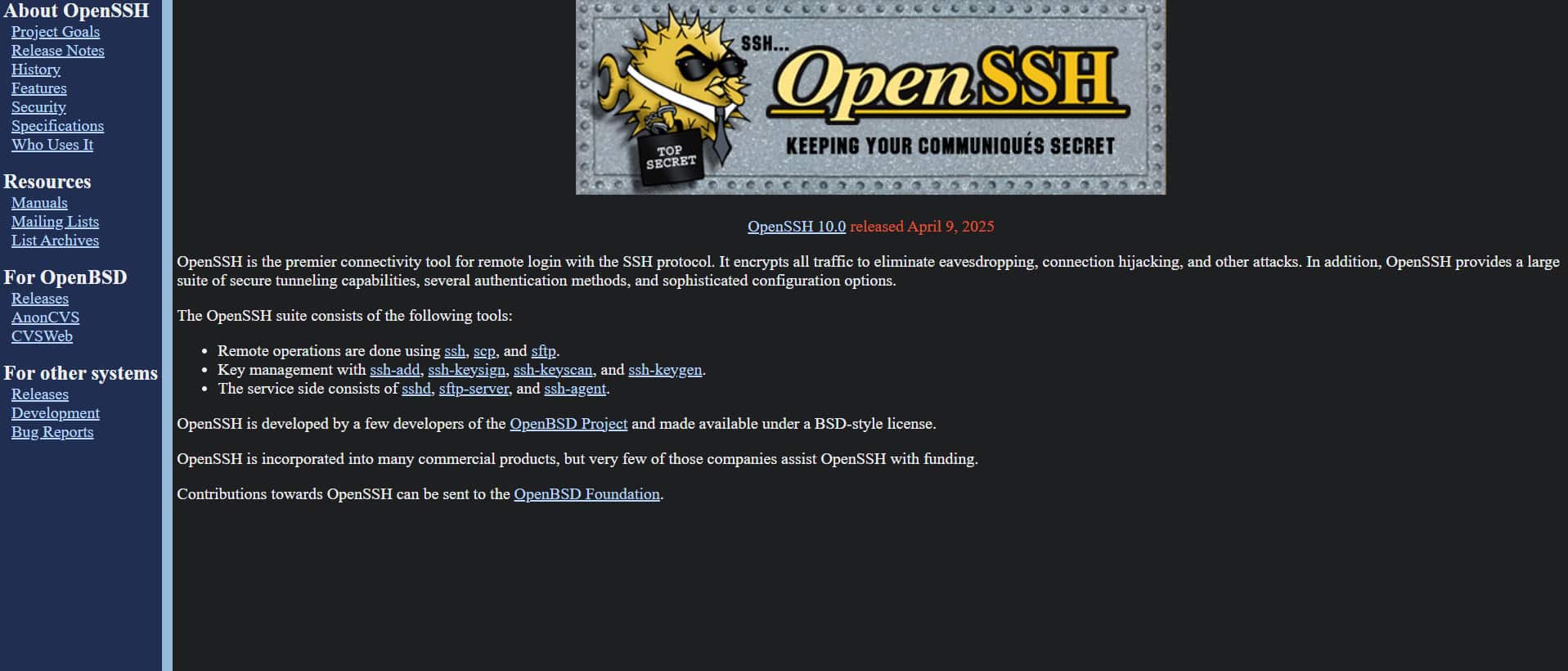
OpenSSH is a widely trusted tool for secure remote login and file transfer using SSH, SCP, and SFTP. It encrypts all network traffic to prevent eavesdropping, hijacking, and other attacks, while offering multiple authentication methods. The suite includes tools for tunneling, key management, agent forwarding, and port forwarding, as well as utilities like sshd, ssh-agent, and sftp-server. It supports advanced configuration and optional data compression for performance optimization. Many commercial products build on OpenSSH because of its stability and security, making it one of the best SCP for Windows.
10.FreeSSHD
FreeSSHD offers a free SSH server implementation with built-in SFTP capabilities for secure file transfers. It works on Windows NT-based systems and provides strong encryption, authentication, and remote console access over TCP/IP. SFTP transfers are logged for tracking purposes, adding a layer of transparency to operations. Its simple setup and no-cost licensing make it a good option for personal or small-scale use. With both console and file access, it’s a handy all-in-one secure server.
11.PuTTY
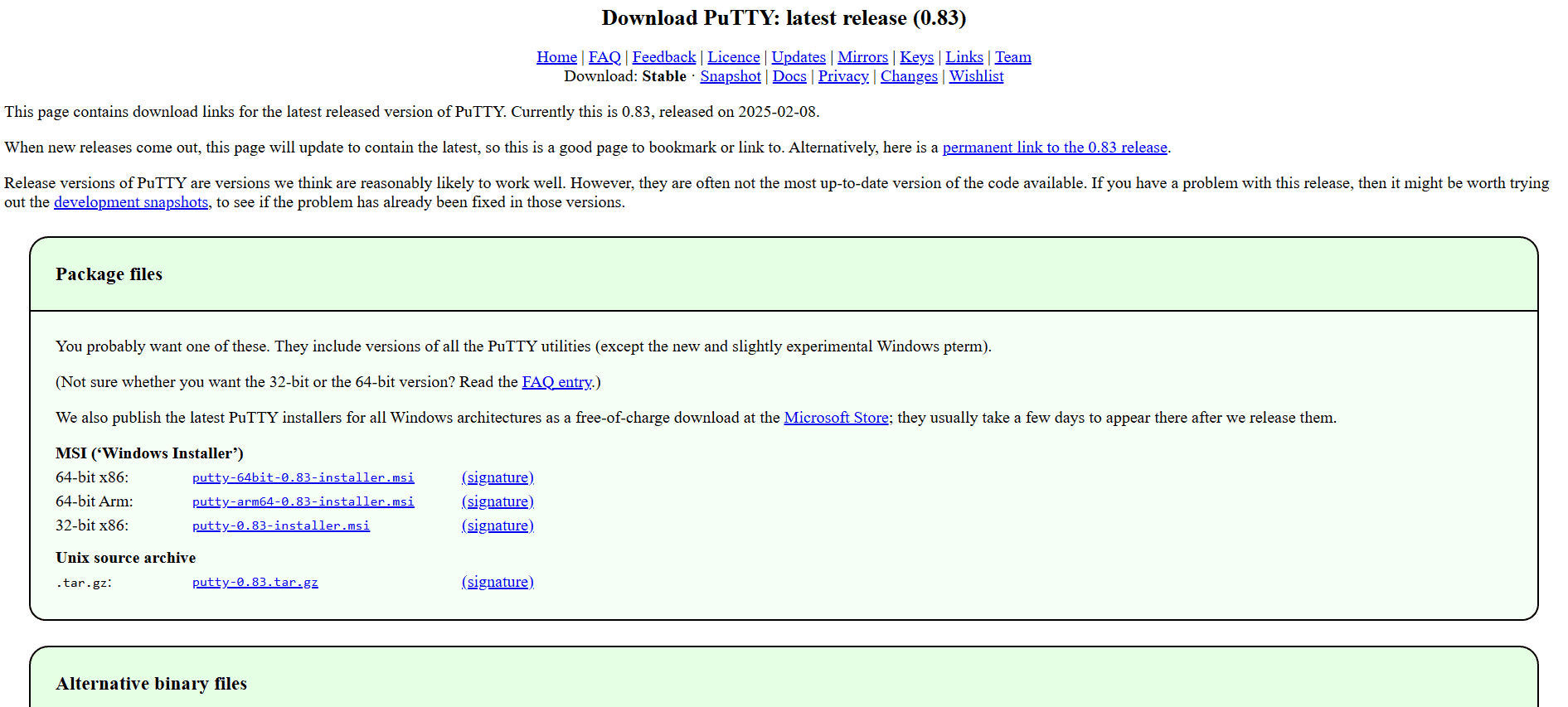
Along with Telnet and rlogin, PuTTY is a popular open-source SSH platform that facilitates SFTP and SCP transfers. It has acquired a spot in many network administrators’ toolkits due to its versatility. Although it might not have as much SCP depth as other platforms, PuTTY’s wide range of features more than makes up for it, making it one of the best SCP for Windows. Even though it might not be as powerful as Pragma Fortress SSH Server or WinSCP’s command line capabilities, PuTTY is still a good option for network administrators.
12.Dropbear SCP/SHH
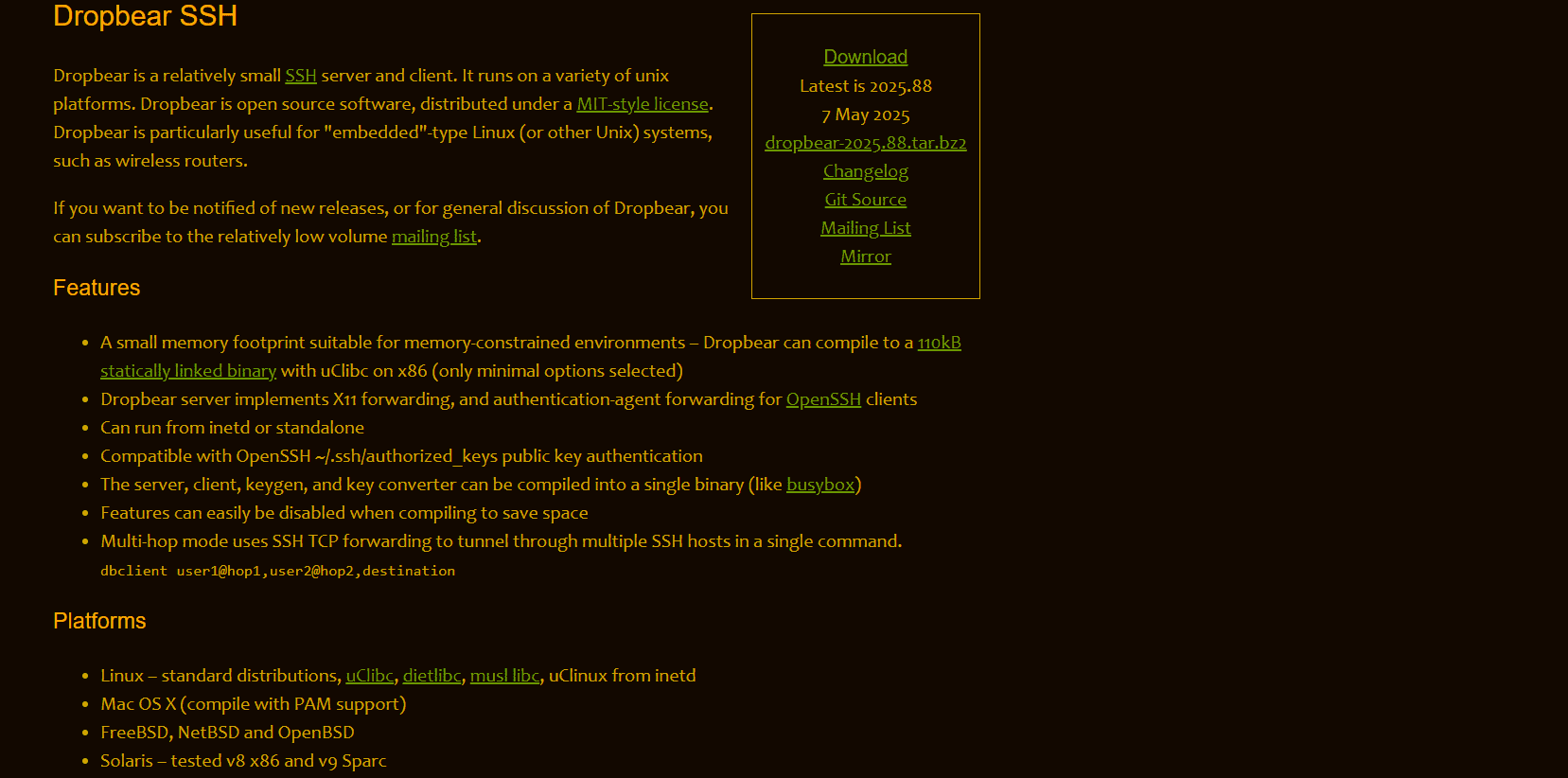
Dropbear SCP is a lightweight SSH client and server designed for POSIX-based systems, making it perfect for embedded Linux devices like wireless routers. It supports X11 forwarding, OpenSSH-style public key authentication, and authentication-agent forwarding. Its ability to run from inetd or as a standalone service adds flexibility for deployment. You can disable unneeded features during compilation to save space, with builds as small as 110KB using uClibc. For memory-constrained environments, its small footprint makes it a top contender.
