
- How Can You Delete Amazon Photos Account
- Who Can See Your Amazon Photos?
- Does Deleting Amazon Photo App Delete Photos?
- How Can You Delete Amazon Photos from Your Phone?
- How Can You Stop Your Photos from Syncing to Amazon Photos Account?
- How Can You Delete All Photos from Amazon Account?
- How Can You Delete Amazon Photos Account?
- What Happens to Photos If You Cancel Amazon Prime?
- Can Someone Else Upload to Your Amazon Photos?
- Why Did Your Amazon Photos Disappear?
- Is Amazon Drive and Amazon Photos the Same?
- How Safe is Amazon Photos?
- Open the Play Store on your device.
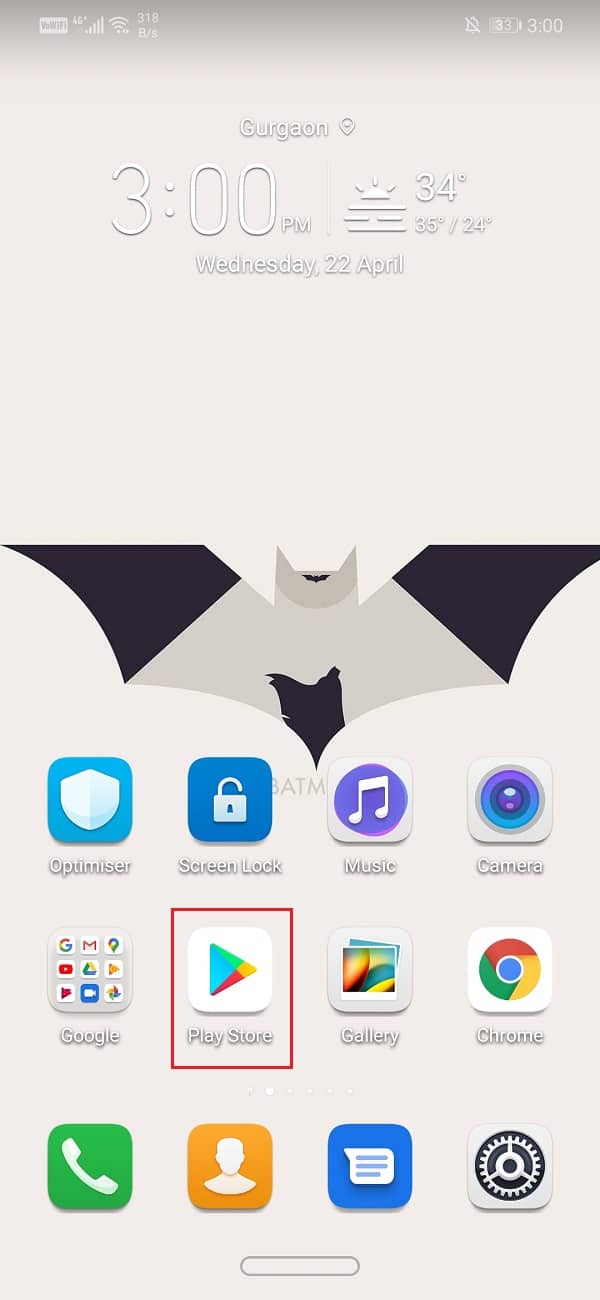
- Now, tap on the Hamburger icon from the top left-hand side of the screen.

- Then, tap on the My apps & games option.
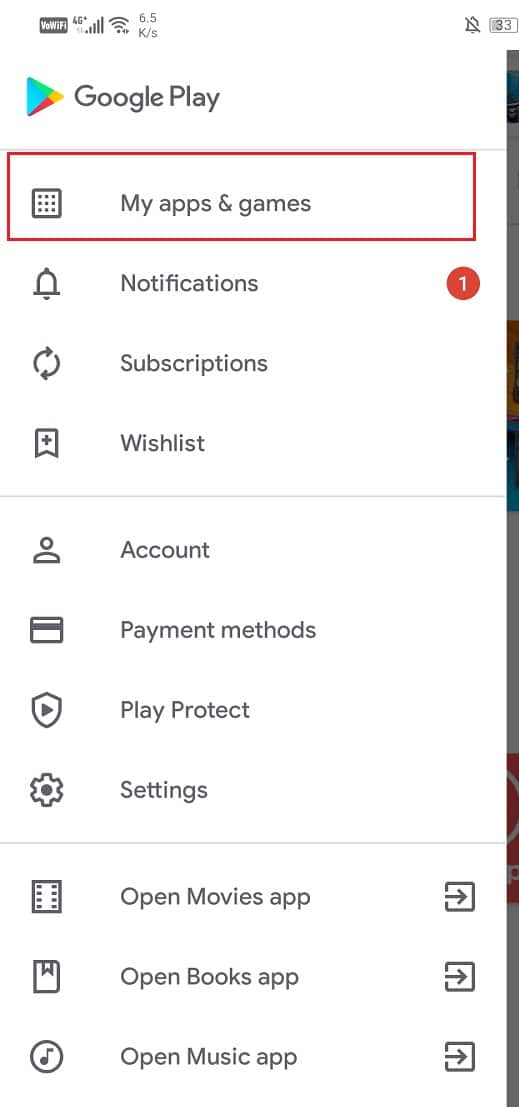
- Now, tap on the Installed tab to access the list of all the installed apps on your device.
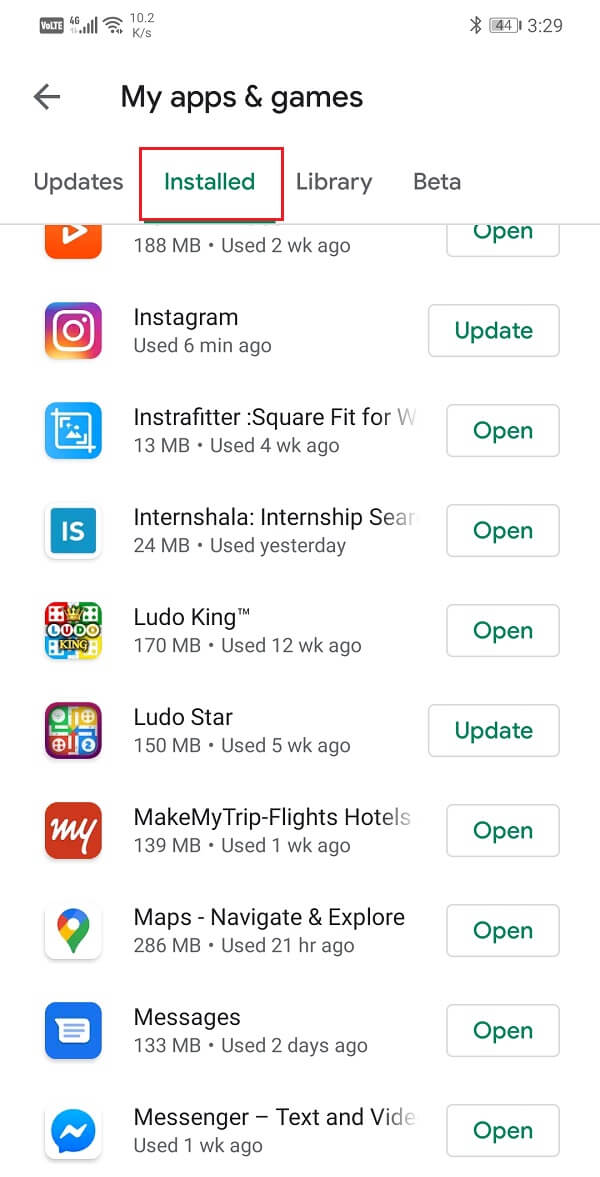
Then, tap on the Uninstall option to remove it from your device.
Now, tap on the Settings gear icon from the top right corner of your screen.

- Tap on Upload settings .

- Tap on the Save photos toggle to turn it off .

Note : Photos are permanently deleted after 30 days of being in the Trash.
Step I: Move All Photos to Trash

- Now, select the desired photos you want to delete by clicking on the checkmark icon .

- After selecting the photo, click on the Move to trash option present at the top of the page.

- Click on the Delete option to finally move the selected photo to trash.

Step II: Delete Photos from Trash

- Now, select all the desired photos by clicking on the checkmark icon .

- Then, click on the Permanently Delete option from the top of the page, as shown below.


Note : Make sure you are already logged into your account before performing the upcoming steps.
- Click on the Storage option from the left pane.

- Then, click on the Cancel my plan option under the storage menu.
Amazon Drive is made for organizing files and folders as well as previewing documents in all file formats, including JPEG format.
But Amazon Photos is a photo service designed specifically for storing and displaying image and video files . Your photos and videos can be shown and enjoyed via the Amazon Photos app, which is intended to function as a photo gallery.
Amazon Photos only scans your images for organizing purposes .
And unlike Google Storage, it doesn’t analyze your data for marketing purposes .
Recommended :
- What Happens When You Deactivate Instagram?
- How to Delete Square Account
- How Can You Recover Your Amazon Account
- How to Enable or Disable Google Sync
