
- How to Cancel BET Plus Subscription
- How Do I Unsubscribe from BET Plus?
- How Much is BET Plus Monthly?
- Where Do I Find My Subscriptions on Roku?
- How Do I Find My Subscriptions on Roku?
- How Do I Cancel a BET Plus Subscription on Roku?
- How Do I Cancel BET Plus on Amazon Prime? How Do I Cancel My BET Plus Prime?
- How Do I Cancel My FUBO Subscription on Roku?
How to Cancel BET Plus Subscription
You can cancel your subscription for BET Plus from the Manage Subscription section on both the BET+ website and the Roku channel . Read the article till the end to learn both methods in detail.
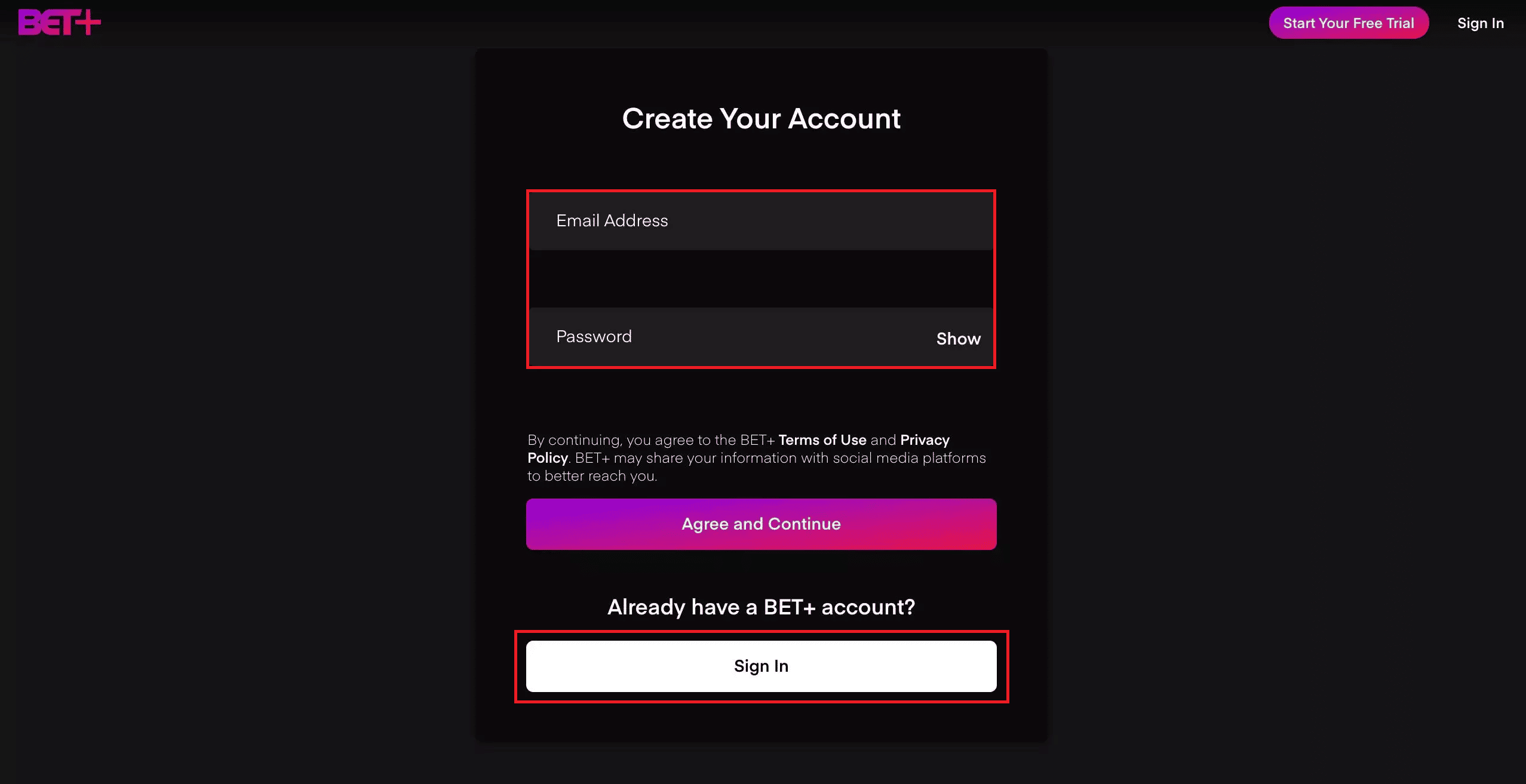
Visit the BET+ page on your desktop browser.
Enter your Email Address and Password and click on Sign In .
Click on the Settings icon from the top right corner.
Under the Subscription tab, click on Manage Subscription , as shown below.

Now, click on Cancel Subscription .
Click on Yes, Cancel in the pop-up to confirm the cancel BET plus process.
Also Read : How to Cancel eharmony Subscription
How Much is BET Plus Monthly?
BET Plus monthly subscription is priced at $9.99 . However, by opting for an annual subscription, you can save up to 20% as BET Plus costs $94.99 for a yearly subscription. Additionally, BET Plus offers a 7-day free trial for new customers.
Where Do I Find My Subscriptions on Roku?
You can find your subscriptions on Roku under Manage Subscriptions on your TV or by visiting Roku’s official website.
How Do I Find My Subscriptions on Roku?
To find your subscriptions on Roku on your TV, follow these steps:
- Navigate to the Roku Home screen on your TV.

Also Read : 19 Amazing Hacks to Hack Roku to Get Free Channels
How Do I Cancel a BET Plus Subscription on Roku?
Go to the Roku Home screen on your TV.
Press the asterisk (star) button on the Roku remote to open the Options menu.

- Select Manage subscription .

- Choose Cancel subscription .

- Again, select Cancel subscription .

- Now, select Done .

Also Read : How Do You Cancel CBS on Roku
- Click on Profile icon > Account & Settings , as shown below.

- Click on the Channels tab.
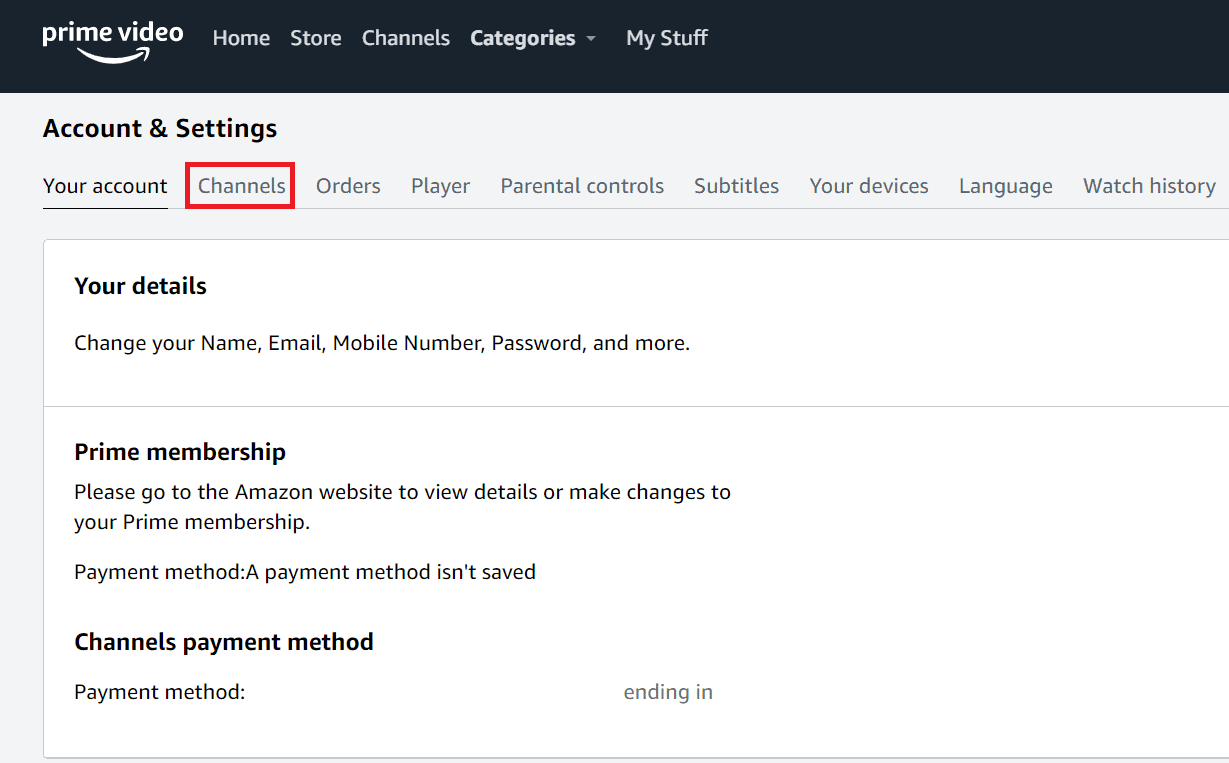
- Click on the Cancel Channel option next to the BET Plus channel .

- Now, click on Turn off auto-renew and watch until [renewal date] .
![click on Turn off auto-renew and watch until [renewal date] | How to Cancel BET Plus Subscription - 13](https://techcult.com/wp-content/uploads/2022/06/click-on-Turn-off-auto-renew-and-watch-until-renewal-date-1-1.png)
- Choose the Prefer not to answer or any other desired option, as shown below.

How Do I Cancel My FUBO Subscription on Roku?
After learning how to cancel BET plus, follow the upcoming steps to cancel your FUBO subscription on Roku:
- Go to the Roku home screen on your TV.

Press the asterisk button on the remote to open the Options menu.
Select Manage subscription .
- Select Cancel subscription twice.
- Lastly, select Done .
Recommended :
- How to Freeze Location on Find My iPhone
- How Do I Cancel Prime Video Channel Subscription
- Why is my Paramount Plus Not Working on my TV?
- 2 Ways to Cancel YouTube Premium Subscription
