Looking to update your email address for your EA account? This guide provides a straightforward walkthrough on how to change your EA email, ensuring your account stays secure and you remain updated with the latest from EA games and services.

How to Change My EA Email
You can change your EA email from the EA website:
Visit the EA website on your browser,
Click on the profile icon from the top right corner of your screen.

- Then, click on Sign In .

- SIGN IN to your account with the desired log in methods .

- Again, click on the profile icon from the top right corner.

- Click on Account Settings .
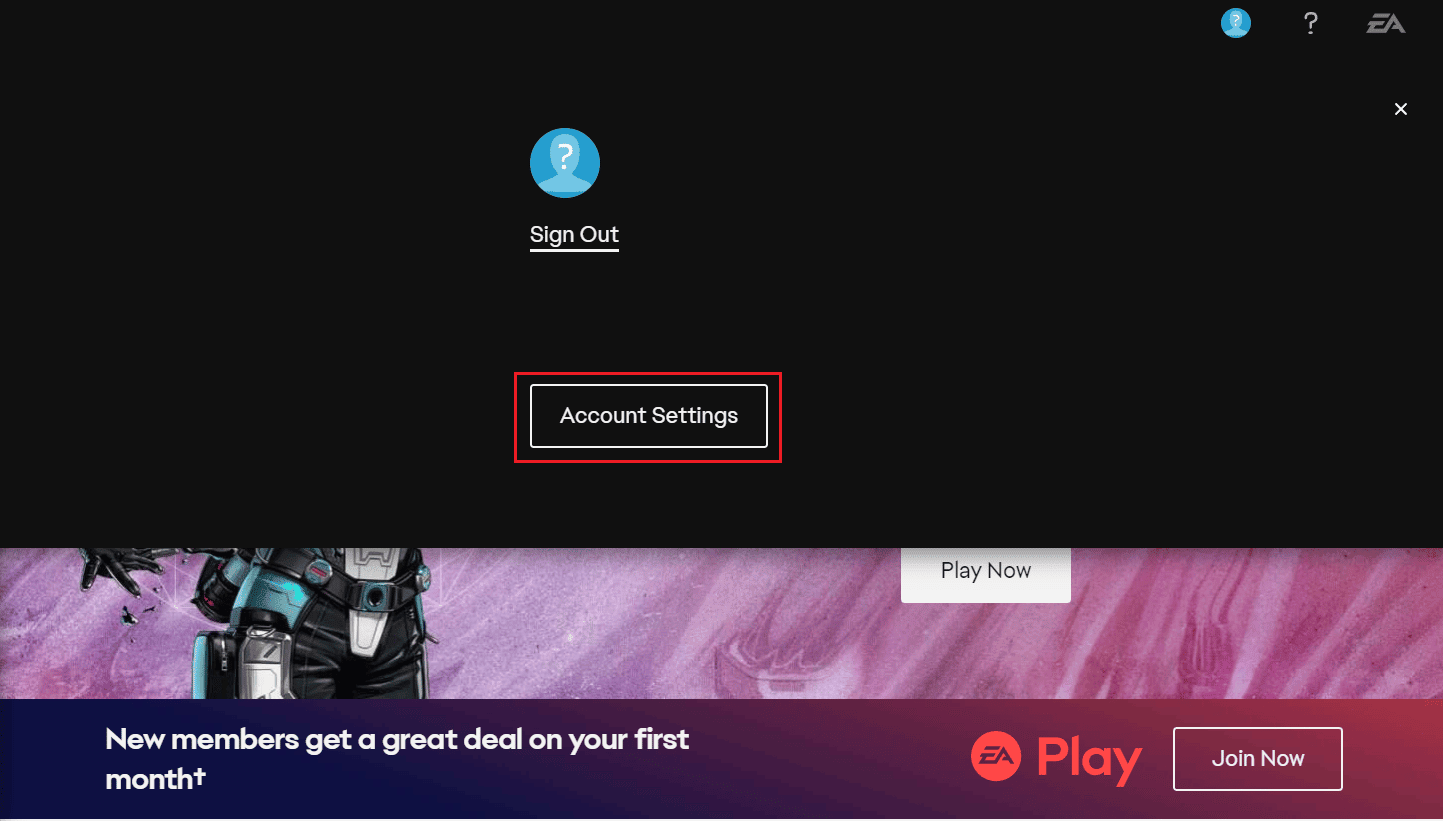
- Click on Edit next to the Email Address section.

- To verify your identity, click on Send Security Code .

- Enter the code you received from EA in your email account and click on Submit .

- Enter the new Email Address in the given field and click on Continue .

Also Read : How to Manage EA Account Settings
How to Change EA Account Email without Password?
You can reset your EA account password and then change the email. Let’s see how to do that.
Navigate to the EA website on your browser.
Click on the profile icon > Sign In .
- Then, click on Forgot your password? link.

In the EMAIL ADDRESS OR EA ID field, enter the email address registered with your EA account.
Enter the captcha text in the given box and click on SEND .

- Then, follow the onscreen instructions to reset your password successfully.
Furthermore, you can follow the steps mentioned in the above heading to change your email from your restored EA account.
Also Read : Can Two Facebook Accounts Have the Same Email?
Q. Can I Transfer My EA Account to Another Email?
Yes , you can transfer your EA account to another email. EA database cloud stores every piece of information you’ve collected while playing their games, including any saves and accomplishments. Your EA Account is associated with the cloud. When you transfer a game from one EA Account to another, you may still play it, but all of your progress and saved games are still connected to the original EA Account.
Q. What Do I Do If I Forgot My EA Account Email?
You can find your EA account email by going through all your email accounts and searching for the emails send by EA games .
Q. How Do I Change My EA Email without Access to My Old Email?
Recommended : How to Unlink EA Account from Xbox
