- How to Check Your Spectrum Email
- Method 1: Via Webmail Site
- Method 2: Via Mobile App or Email Client
- Method 3: Old Road Runner or Time Warner Email
How to Check Your Spectrum Email
Spectrum offers multiple ways to access your email, and they don’t always explain which method works best for your situation.
Method 1: Via Webmail Site
The easiest way to get emails is directly through its website:
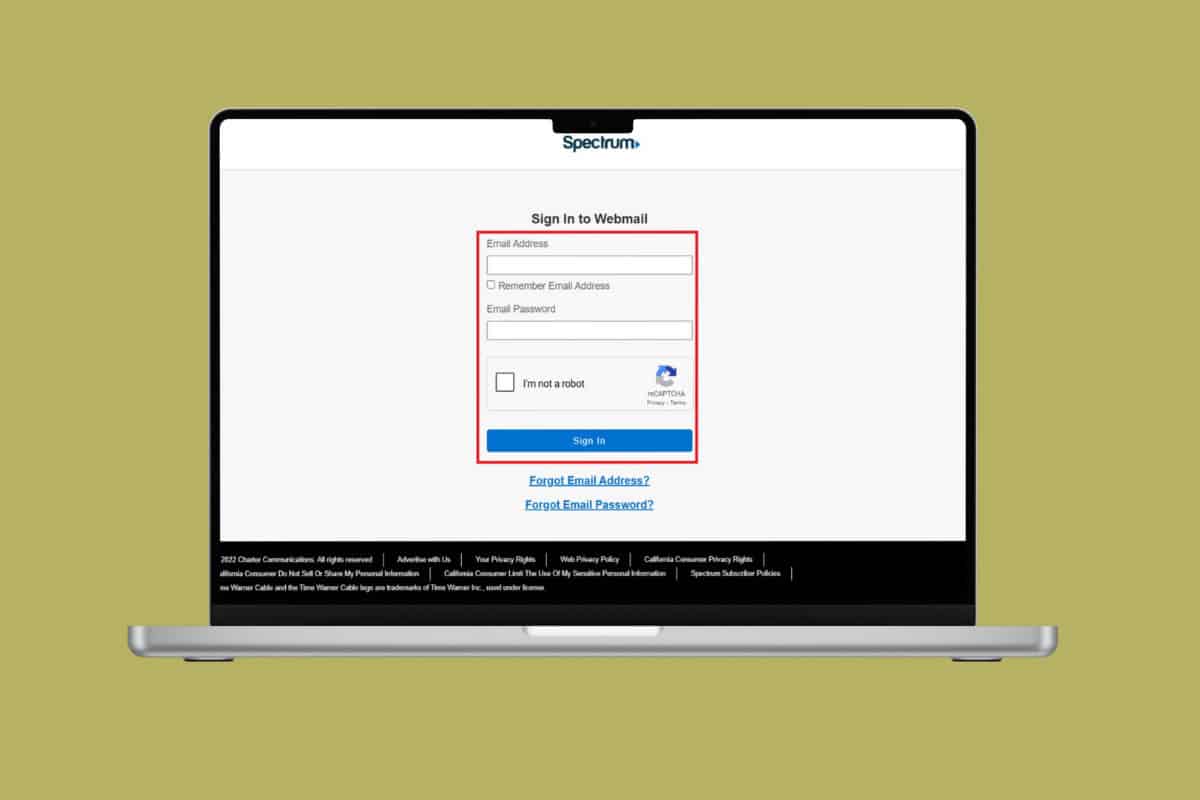
- Visit the official Spectrum page .
- Type in your Email Address and password .
- Tick on I am not a robot box .
- Then, click on Sign in.
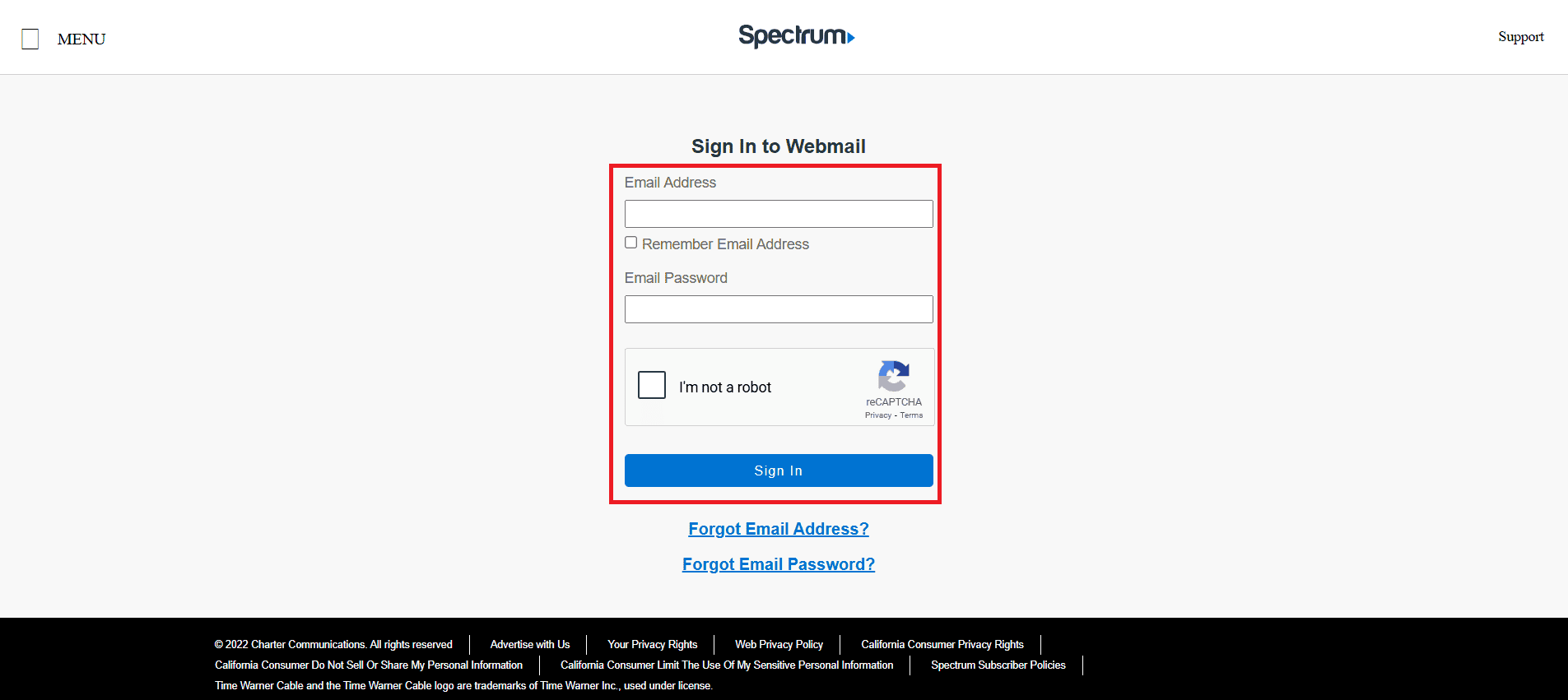
That’s it, you will be logged in to your account.
Method 2: Via Mobile App or Email Client
You can manually set up your Spectrum account if you prefer Apple Mail, Outlook, or simply the built-in mail apps on your iPhone or Android device. But there are some settings you’ll need on your smartphone:
Incoming Mail Server (IMAP):
- Server:mail.twc.com
- Port:993
- Security: SSL (make sure SSL/TLS is enabled)
Outgoing Mail Server (SMTP):
- Server:mail.twc.com
- Port:587
- Security: STARTTLS
This setup generally works on most modern devices, but on old or misconfigured apps, you might need to tweak security settings or try different servers like:
- mail.charter.net
- mail.brighthouse.com
Method 3: Old Road Runner or Time Warner Email
If you are on an older domain like @rr.com or @twc.com then you need another way to login. But you can follow the same login process at Spectrum as shown in Method 1: Via Webmail Site. Legacy domains work as long as they were not deactivated or merged into a different Spectrum account.
