With the rise of new social media platforms, people have started to bid farewell to the old ones. Unfortunately, Snapchat has seen a decline in its popularity since users have grown out of the app. If you’re one of those who are looking for how to permanently delete your Snapchat account, you’re in the right place. Let’s show you the way out!
- How to Delete Snapchat Account Permanently
- Method 1: Via Mobile
- Method 2: Via Desktop
- Why Can’t I Delete Snapchat Account?
- Can I Recover My Deleted Snapchat Account after 30 Days?
How to Delete Snapchat Account Permanently
Let’s take a look at removing your Snapchat account from any devices.
Method 1: Via Mobile
Here’s how you so from your smartphone:
- Open Snapchat and tap on your profile from the top left corner.
- Tap on the settings icon from the top right corner.
- Swipe down and select Delete Account under MY ACCOUNT .
- Type in your username and password under Delete account .
- Select CONTINUE .
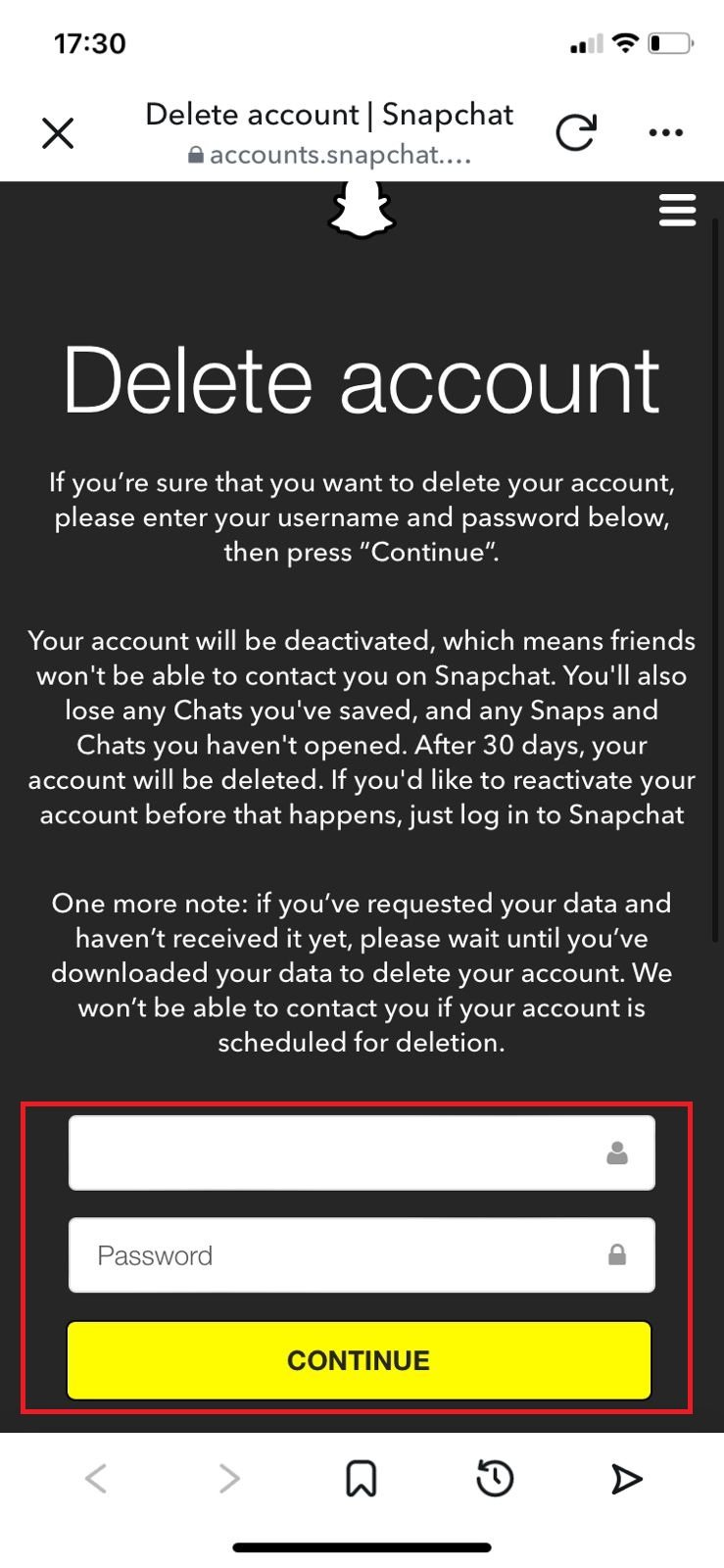
Your account will be deleted or deactivated.
Method 2: Via Desktop
Follow the steps to do the same from the web version:
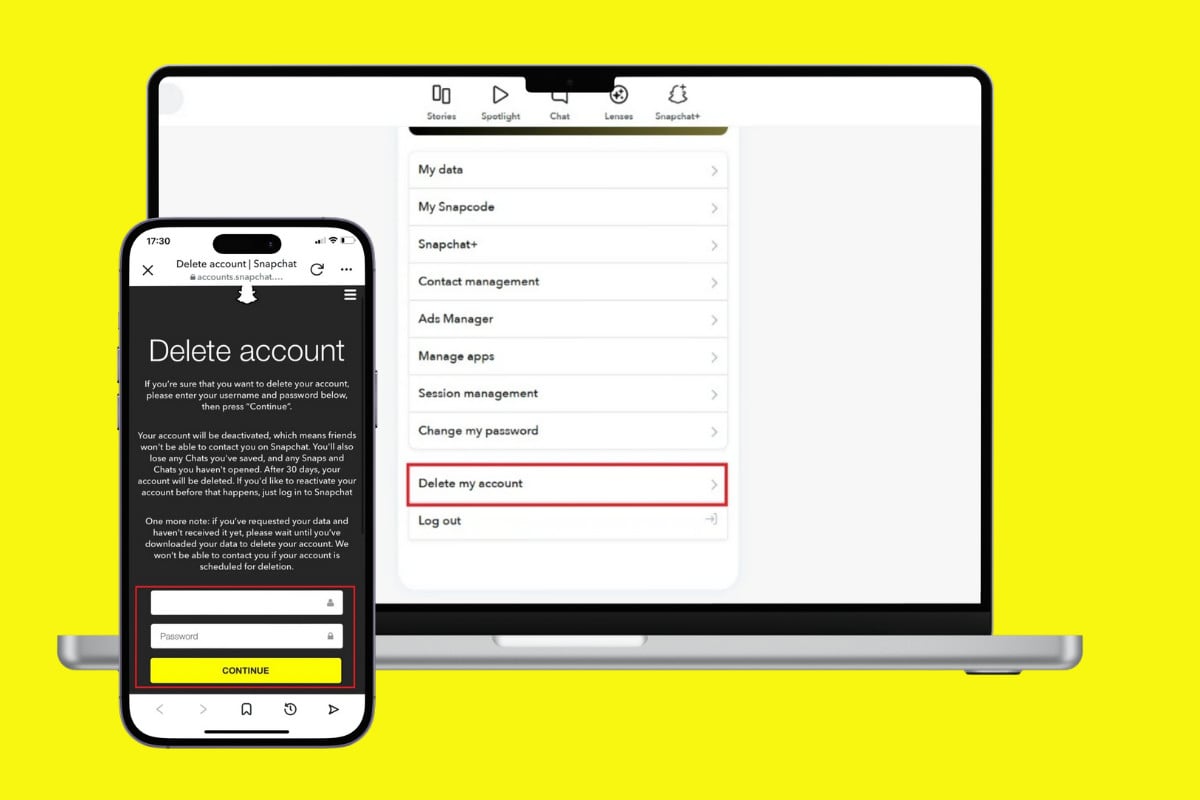
- Visit the official site of Snapchat accounts portal .
- Type in your username and password .
- Select Continue .
- Scroll down and select Delete my account .
- Type in your username and password under Delete account .
- Select CONTINUE .

This way, your account will be deleted.
Why Can’t I Delete Snapchat Account?
If you’re having a hard time deleting your account, here are some reasons why:
- Incorrect username or password.
- Your account is permanently locked by Snapchat.
- The deactivation period of 30 days has not been completed.
Can I Recover My Deleted Snapchat Account after 30 Days?
No , unfortunately, Snapchat does not allow users to recover their account after the 30 days of deactivation period.
