There’s no doubt that Facebook is one of the biggest social media platforms out there. But over the years, you may have collected certain people you never want to interact with again. With time, you can also change your mind and undo this restriction. So, if you’re wondering how to delete someone from your Facebook blocked list, you’re at the right place!
- How to Delete Someone from Facebook Blocked List
- Method 1: Via Desktop
- Method 2: Via Mobile
- How to Delete Facebook Blocked List Permanently Without Unblocking
- What Happens After You Unblock Someone?
How to Delete Someone from Facebook Blocked List
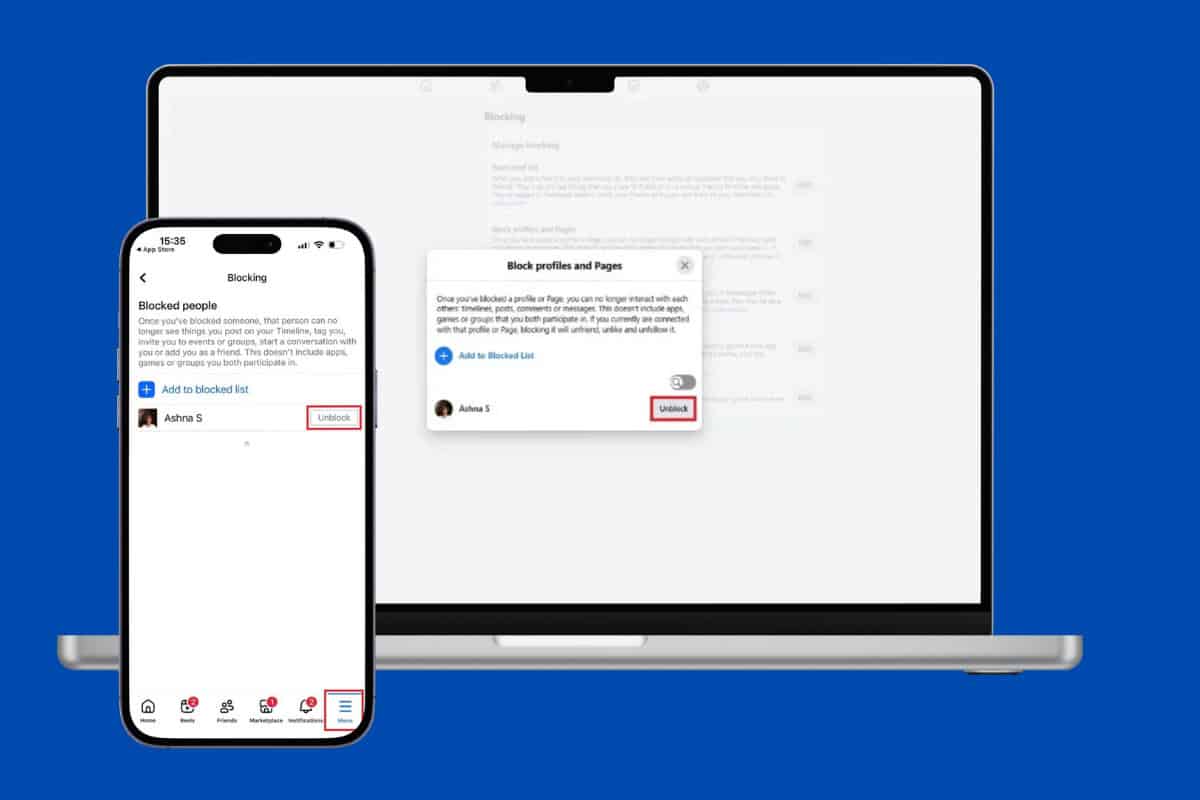
Here’s how you can easily unblock people.
Method 1: Via Desktop
Follow the steps to do the same from the web version of Facebook:
- Log in to Facebook and click on your profile from the top right corner.
- Select Settings .
- Scroll down and click on Blocking under Audience and visibility .
- Select Block profiles and Pages .
- Click on Edit .
- Now, click on See your blocked list .
- Then, select Unblock beside the username of your choice.
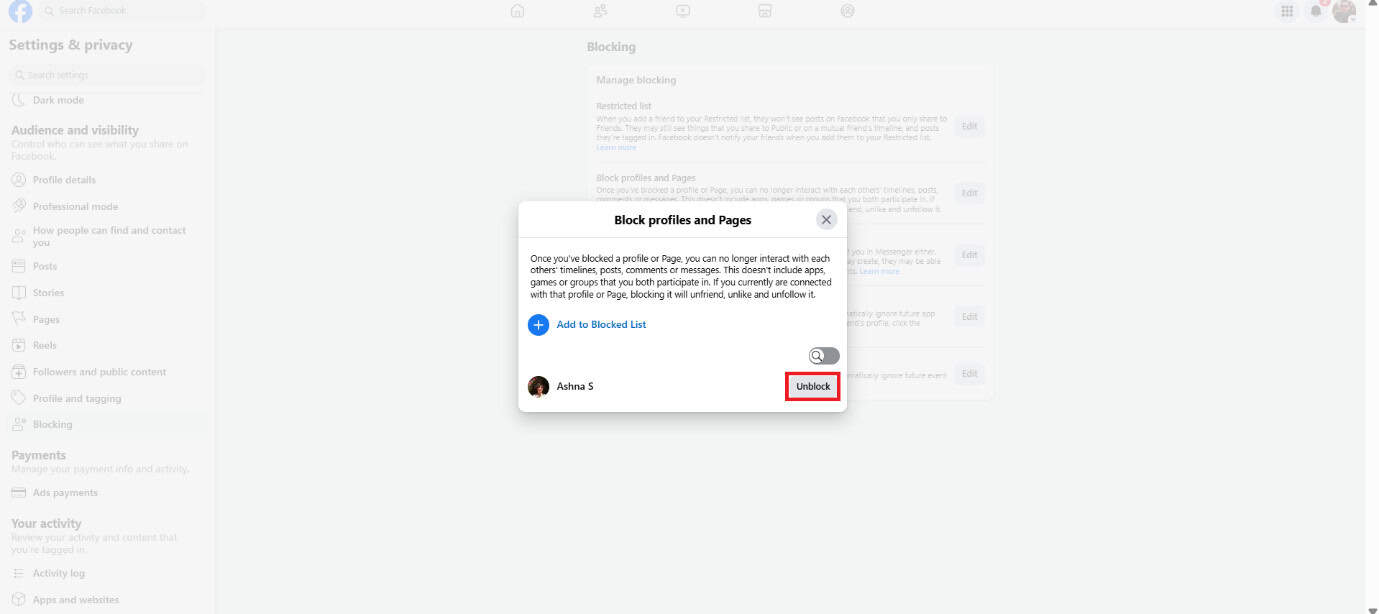
The person will be removed from your blocked list.
Method 2: Via Mobile
Similarly, you can do so from the Facebook app:
- Open Facebook and tap on Menu from the bottom right corner.
- Tap on Settings & Privacy .
- Select Settings .
- Scroll down and tap on Blocking under Audience and visibility .
- Then, select Unblock beside the username of your choice.
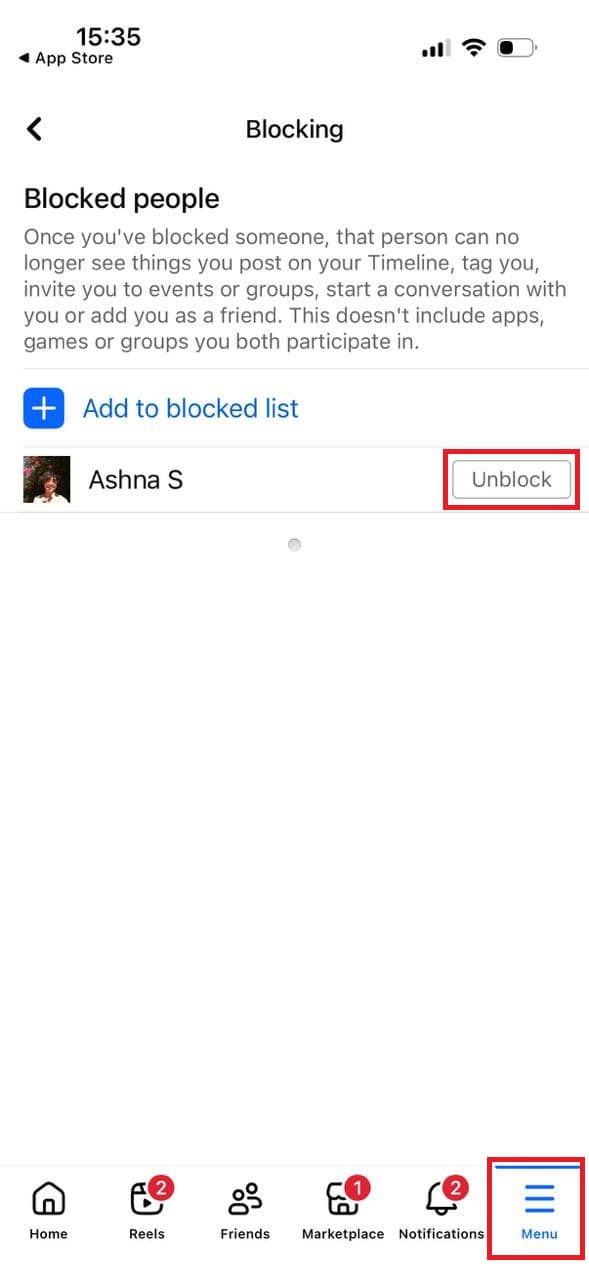
The user will be unblocked.
How to Delete Facebook Blocked List Permanently Without Unblocking
Unfortunately, there is no official way to remove a user from the blocked list permanently without unblocking them. You can report this issue to Facebook and check if your problem is resolved.
What Happens After You Unblock Someone?
If you unblock a user, their profile will be available to be viewed again, and you can interact with the person.
