Windows 10 remains one of the most widely used operating systems in the world. It is everywhere, from gaming rigs and workstations to everyday laptops and business computers. Sometimes you need a fresh installation or want to create a bootable USB drive for system recovery. This is when knowing how to download the Windows 10 ISO file from its direct links becomes really useful. So, without wasting much time, let’s show you the way!
How to Download Windows 10 ISO File (Direct Links)
Check out the exact ways you can easily get the ISO file on your Windows desktop.
- Visit the official site of Microsoft.
- Click on Software Download from the top ribbon.
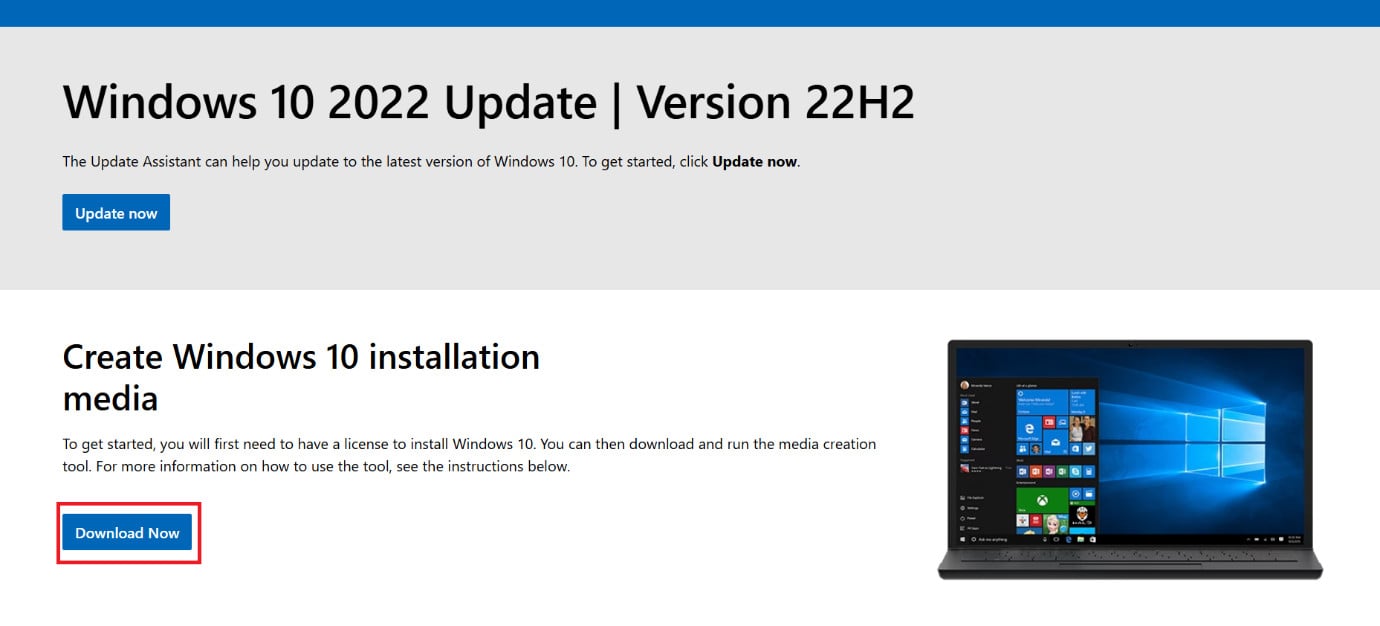
- Select Windows 10 .
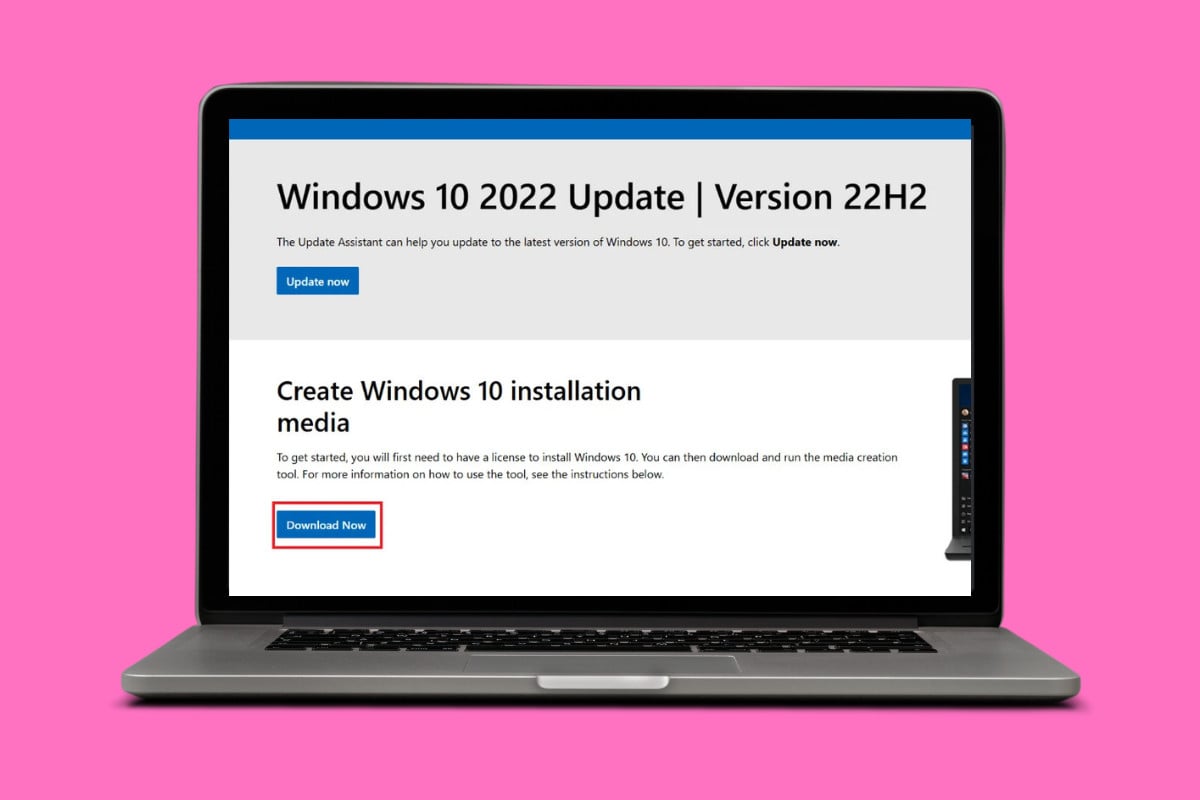
- Then, click on Download Now .
- Run MediaCreationTool.exe after download and follow the on-screen installation process.
- In the tool, select Create installation media like USB flash drive, DVD, or ISO for another PC. Please note that a blank USB flash drive with at least 8 GB of space is required. For VMs, a USB flash drive isn’t needed. Instead, an ISO can be created for use in VMs. An ISO can also be used to create the installation media on a DVD.
- Select Next .
- Select the language , architecture , and edition of Windows.
- Select Next .
- Click on the ISO file > Next .
This way, the ISO file will be downloaded to your desktop.
