Instagram’s recent update has taken the world by storm. Users now have the option to change how their entire feed looks in just a few seconds! From color grading their posts to keeping their favorites at the top, now you can do it all without any restrictions. But where can you unlock this feature? Let’s take a look at how to edit your grid on Instagram in this guide.
- How to Edit Your Grid on Instagram
- Method 1: Via Posts
- Method 2: Via Edit Profile
How to Edit Your Grid on Instagram
With just a few clicks, you can easily get the feed of your personal style.
Method 1: Via Posts
Follow the steps mentioned below to edit grids directly from your
- Open Instagram and tap on the home icon at the bottom right corner.
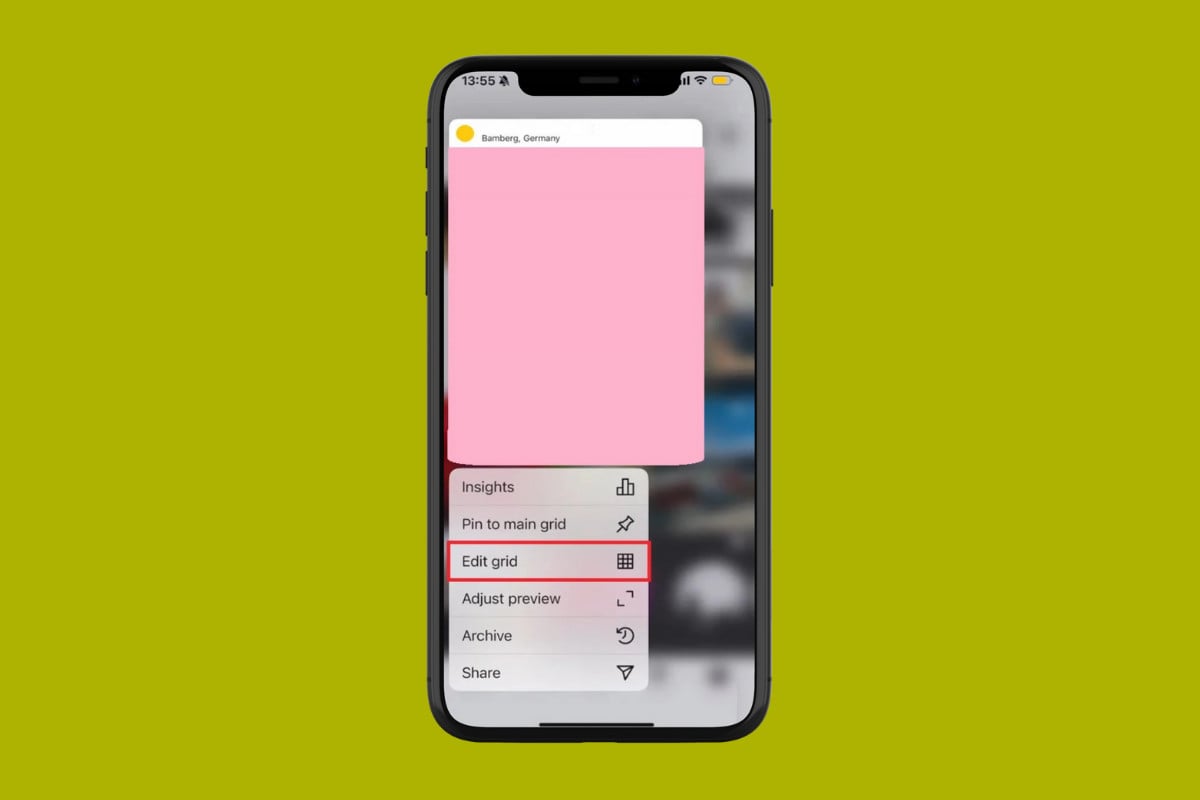
- Long press on the post of your choice.
- Now, select Edit Grid .
- Drag the post anywhere on the timeline and drop in the area of your choice.
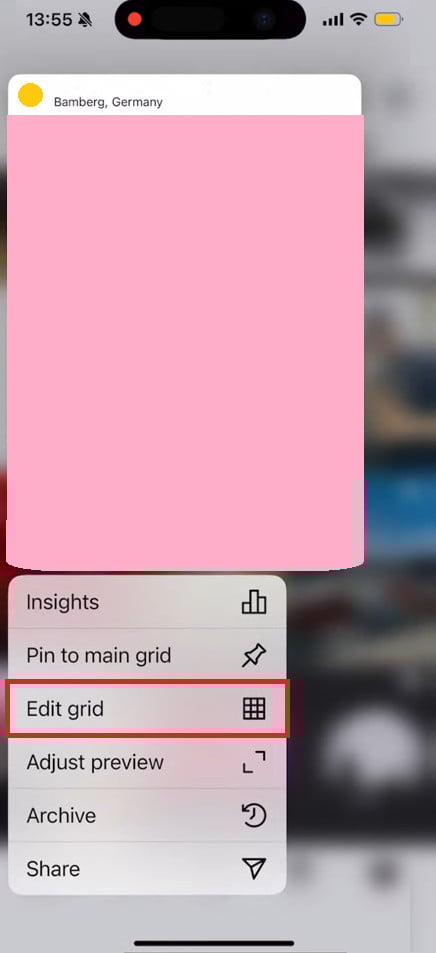
This way, you can move your Instagram grid around.
Method 2: Via Edit Profile
This option is also available under your profile settings:
- Open Instagram and tap on the home icon .
- Tap on Edit profile under your bio.
- Swipe down and select Edit Grid .
- Drag the post anywhere on the timeline and drop to the area of your choice.
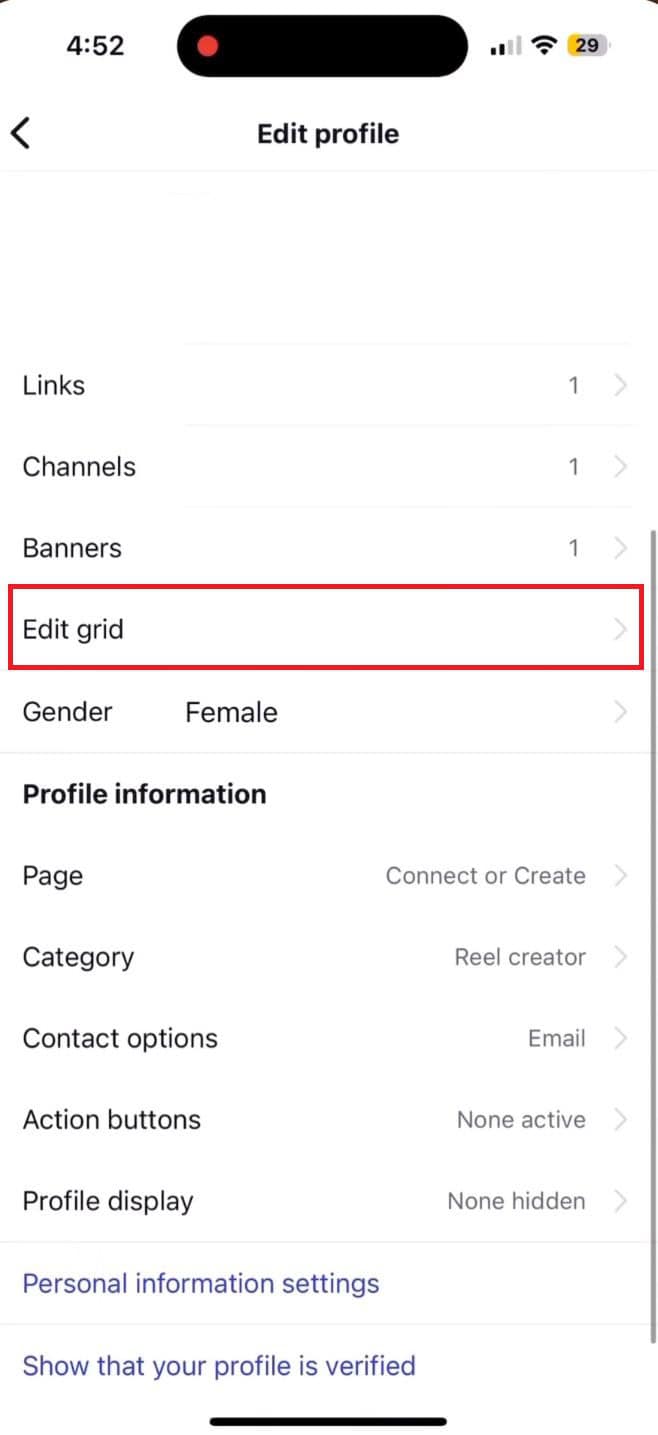
Your profile will now look exactly how you want it to be.
