Instagram users have finally been heard! If you use the platform, you know that sometimes you cannot get the correct image proportion on your stories. Many of us had to expand them from other apps before posting them. Well, say goodbye to extra work! You can now expand photos with Meta AI on Instagram stories right from the app. Let’s check out how.
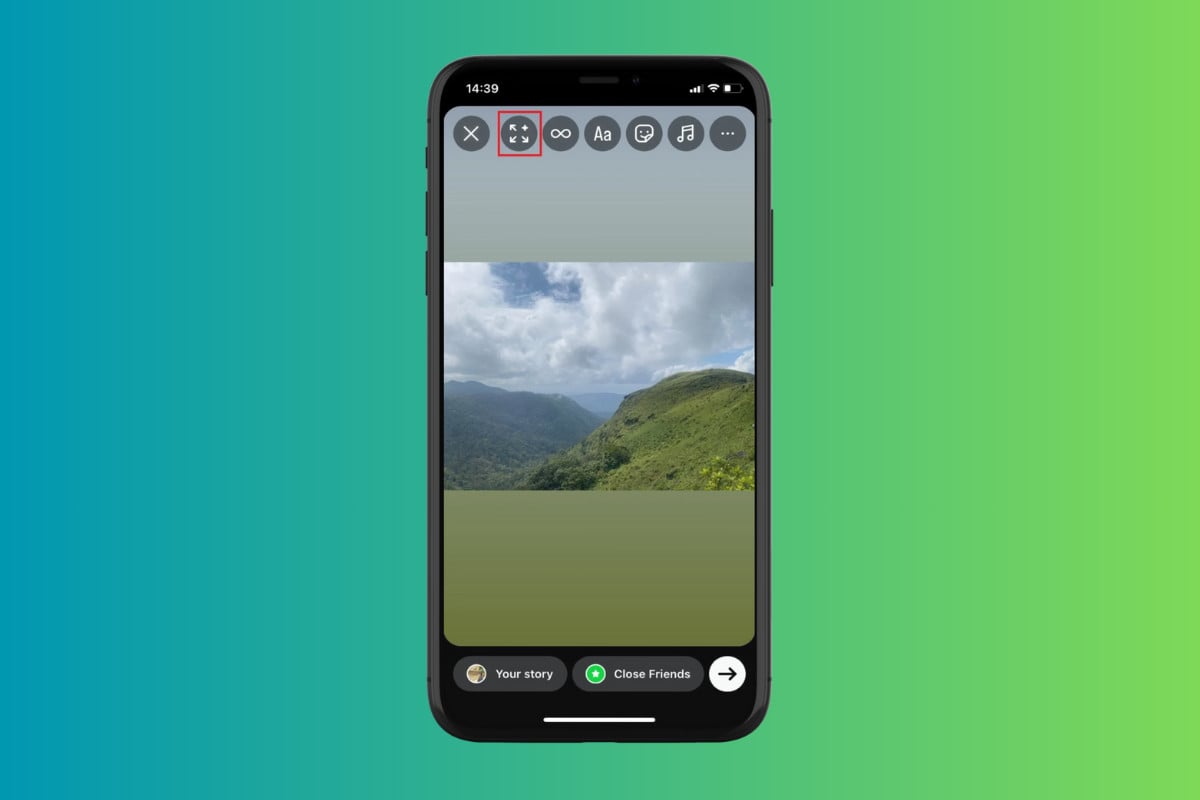
How to Expand Photos with Meta AI on Instagram Stories
You will no longer need photo editing tools to get that right expansion anymore. Take a look at the steps mentioned below:
- Open Instagram and tap on the home icon from the bottom ribbon.
- Tap on Your story .
- Swipe down and select the picture of your choice.
- Now, tap on the expand icon from the top ribbon. Please note that this option will only appear over horizontally taken images.
- Tap on the screen to regenerate or press to see the original.
- Select Done .
- Tap on Your story to post.
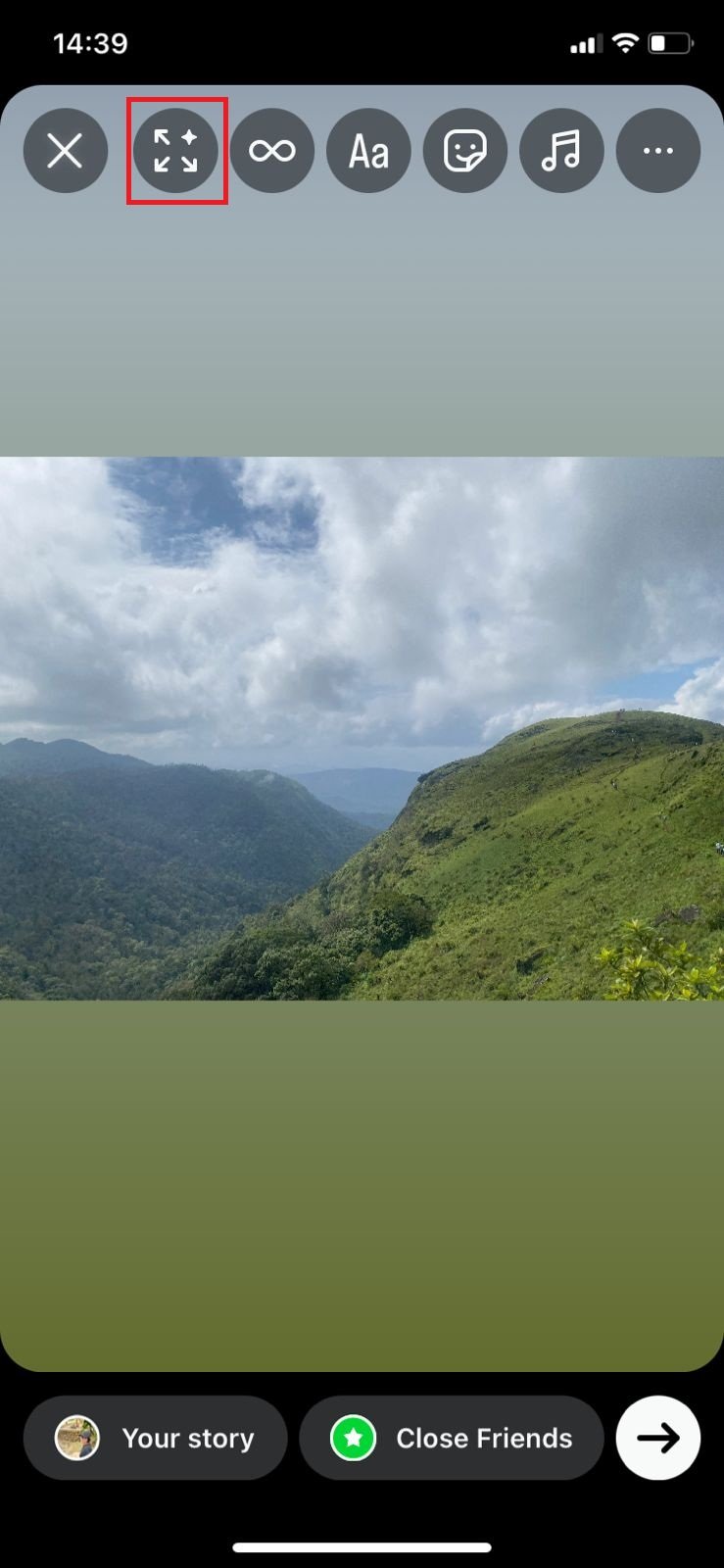
Now you can enjoy zoomed out pictures with just a mere tap.
