TikTok has established its way as one of the most used platforms for the century. If you have recently created an account or wish to change your privacy preferences, knowing how to make your TikTok account private is the first step to go. So, let’s get started!
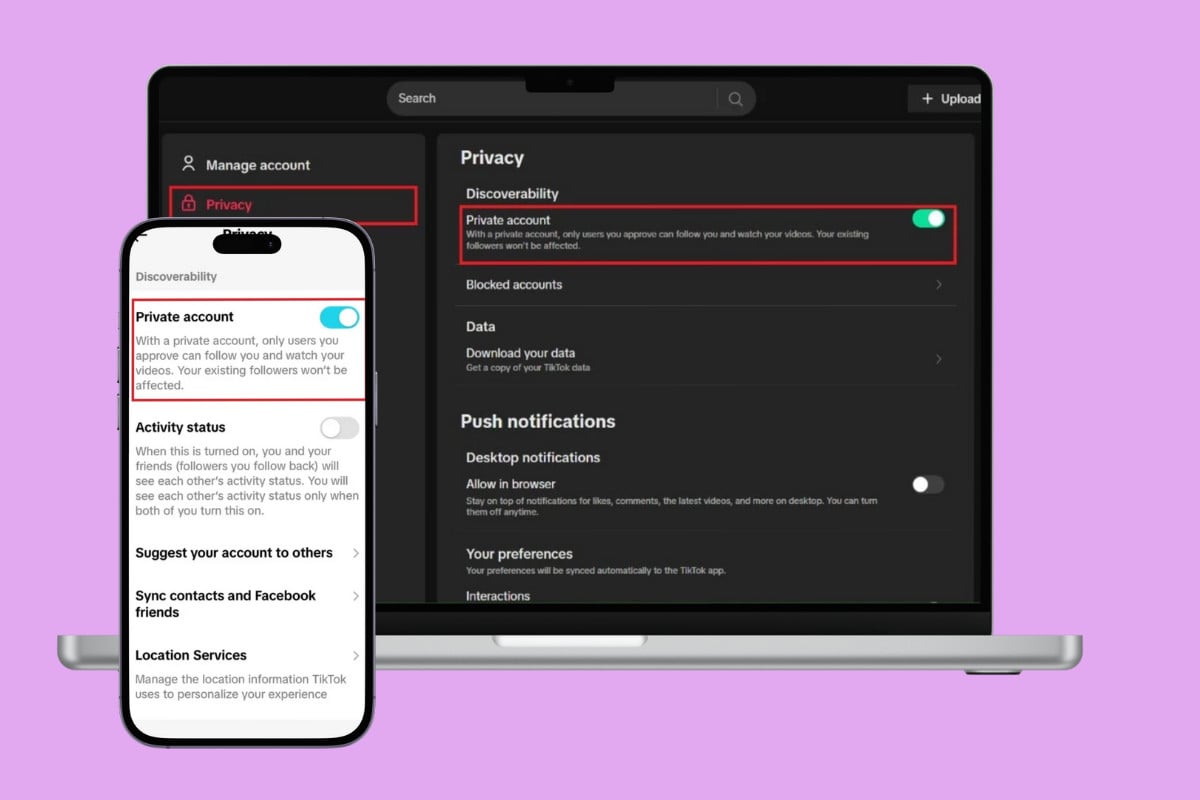
- How to Make Your TikTok Account Private
- Method 1: Via Mobile
- Method 2: Via Desktop
How to Make Your TikTok Account Private
Now you can be on the low and use your TikTok just how you want to.
Method 1: Via Mobile
With just a few taps, you can easily switch profiles from public to private:
- Open TikTok and tap on your profile from the bottom ribbon.
- Tap on the hamburger icon in the top right corner.
- Select Settings and privacy .
- Select Privacy under Account .
- Then, turn the toggle on for Private account .
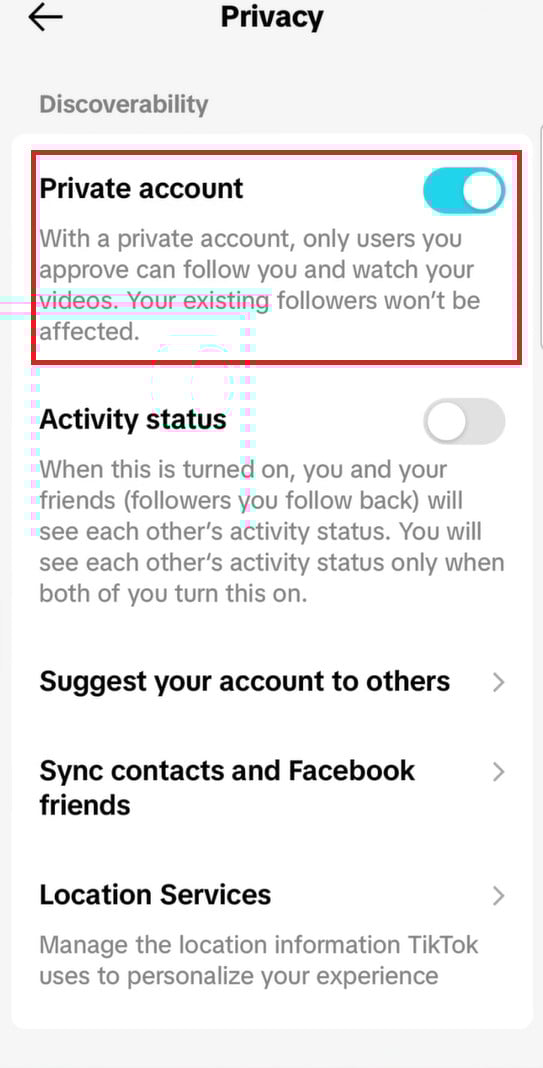
Your account will become private for users.
Method 2: Via Desktop
Similarly, you can do the same from the web version of TikTok. Here’s how:
- Log in to TikTok and click on More from the left menu.
- Select Settings .
- Click on Privacy .
- Then, turn the toggle on for Private account under Discoverability .
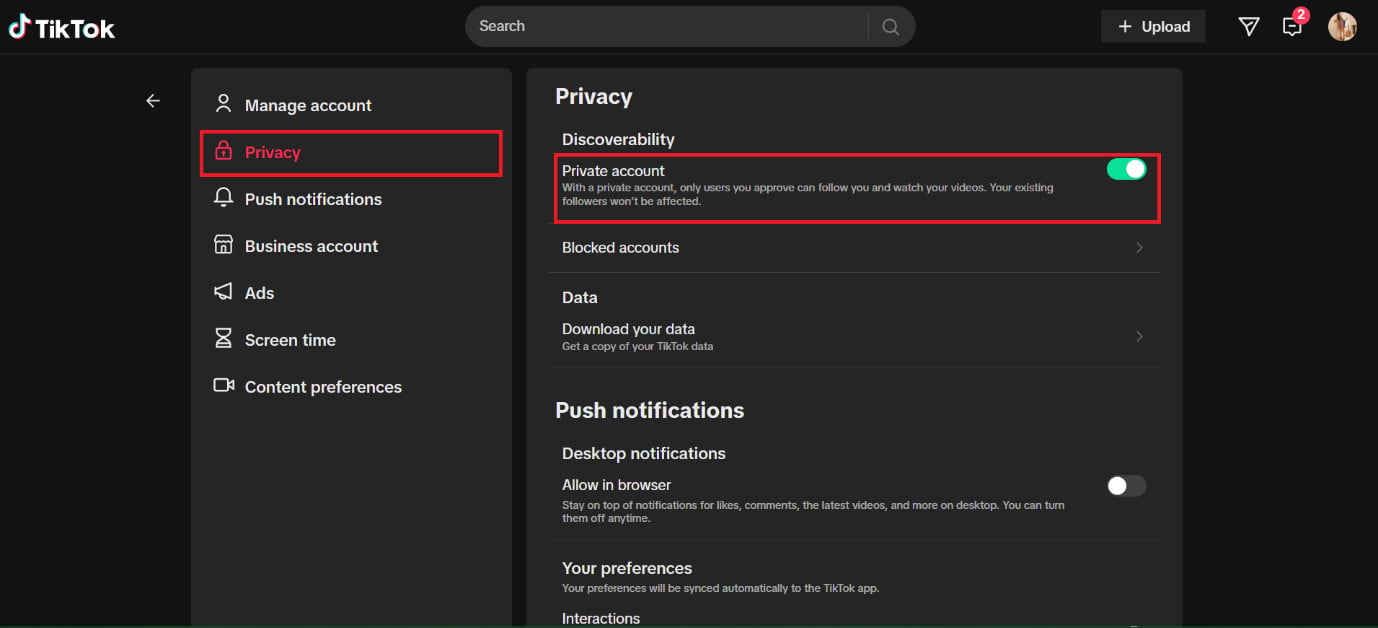
That’s it, your account will go into private mode.
