Are you tired of trying to figure out how to pause Instagram Reels? Look no further! In this quick guide, we will explore different methods that you can try to pause Instagram Reels. Whether you want to take a closer look at a particular moment or simply need to take a break, we’ve got you covered. Let’s get started and unlock the power to pause Instagram Reels!

- How to Pause Instagram Reels
- Where Did the Pause Button Go on Instagram?
- How Do You Mute Your Reels on Instagram?
- How Do You Mute Reels without Pausing?
- How Do You Fast Forward Instagram Reels?
How to Pause Instagram Reels
Open the Instagram app on your phone.
Tap on the Reel tab from the bottom bar.

Find and open the reel you want to pause.
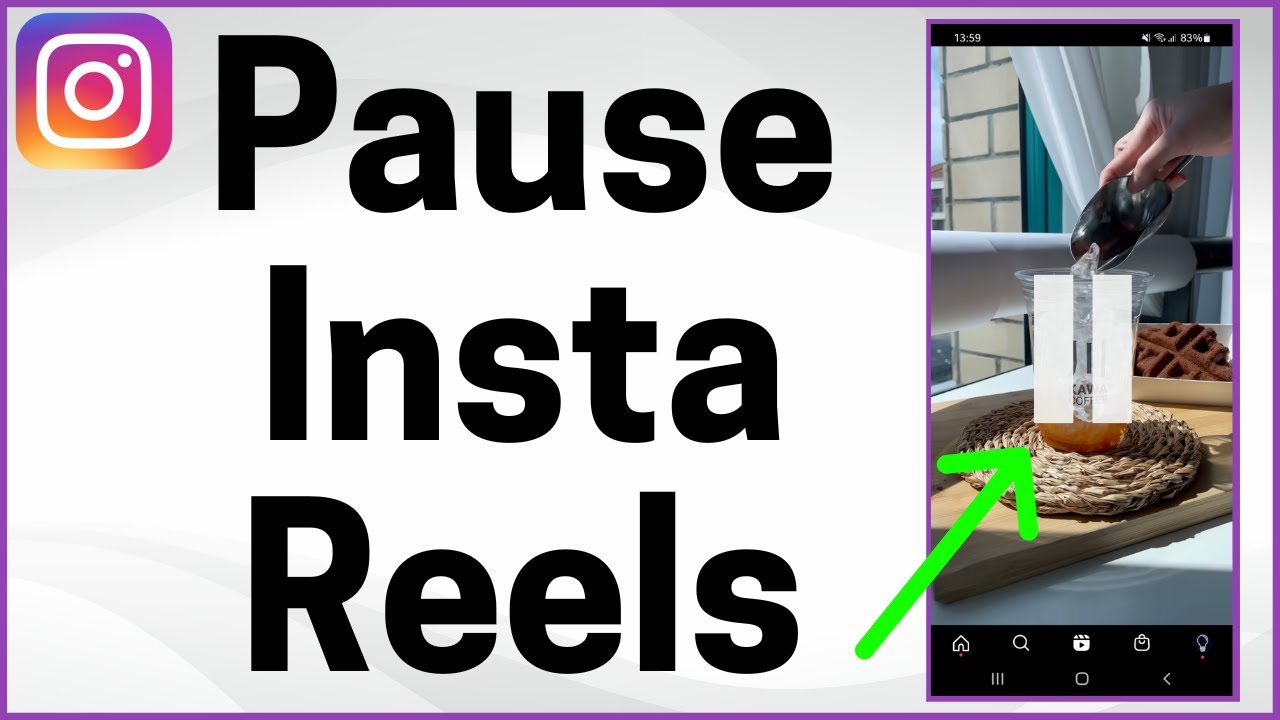
Place your finger on the reel without releasing it. This will pause the reel at the current frame.

- Remove your finger if you want to continue playing the reel.
Also Read : How to Disable ‘Video paused. Continue watching’ on YouTube
Why Can’t You Pause Instagram Reels?
Here are some reasons why can’t you pause Instagram Reels:
- A software bug can cause this issue sometimes on the app.
- Maybe your device is causing the issue and its touch is not working properly .
- It might happen due to the server issue from the Instagram side.
- Also, it might happen that you are using the wrong gesture to pause the IG Reels.
Where Did the Pause Button Go on Instagram?
The pause buttons have been removed and a simple touch pattern has been added on Instagram instead of it. You can tap and hold on to the video to pause it. On the desktop version of Instagram, you just tap once on the Instagram video to pause it.
How Do You Mute Your Reels on Instagram?
To mute your Reel on Instagram, just follow these steps:
Open the Instagram app on your phone and navigate to the desired Reel you want to mute.
Tap in the center of the desired Reel . The mute icon at the center of the screen represents that the current Reel is muted.

Also Read : How to Unmute Someone on Instagram
How Do You Mute Reels without Pausing?
You can follow the steps mentioned above to mute reels without pausing. read this article from the start to learn how to pause Instagram Reels.
How Do You Fast Forward Instagram Reels?
You can only fast forward Instagram Reels while creating them. To fast forward IG Reel while creating it, just follow these steps:
Open the Instagram app on your phone.
Tap on the profile tab > Plus icon > Reel .
Tap on 1x .

- Tap on the desired video speed from the available ones: .3x , .5x , 1x , 2x , and 3x .

- Tap on the Reel icon from the bottom to record the video.

As you record the video, the final result of it will come out to be at the selected speed . This is how you fast forward Reels.
Recommended :
- How to Delete Messages on Instagram from Both Sides
- What is a Snapchat Account Portal?
- How to Make Video Play on Instagram Story
- How To Mute Whatsapp Calls On Android?
