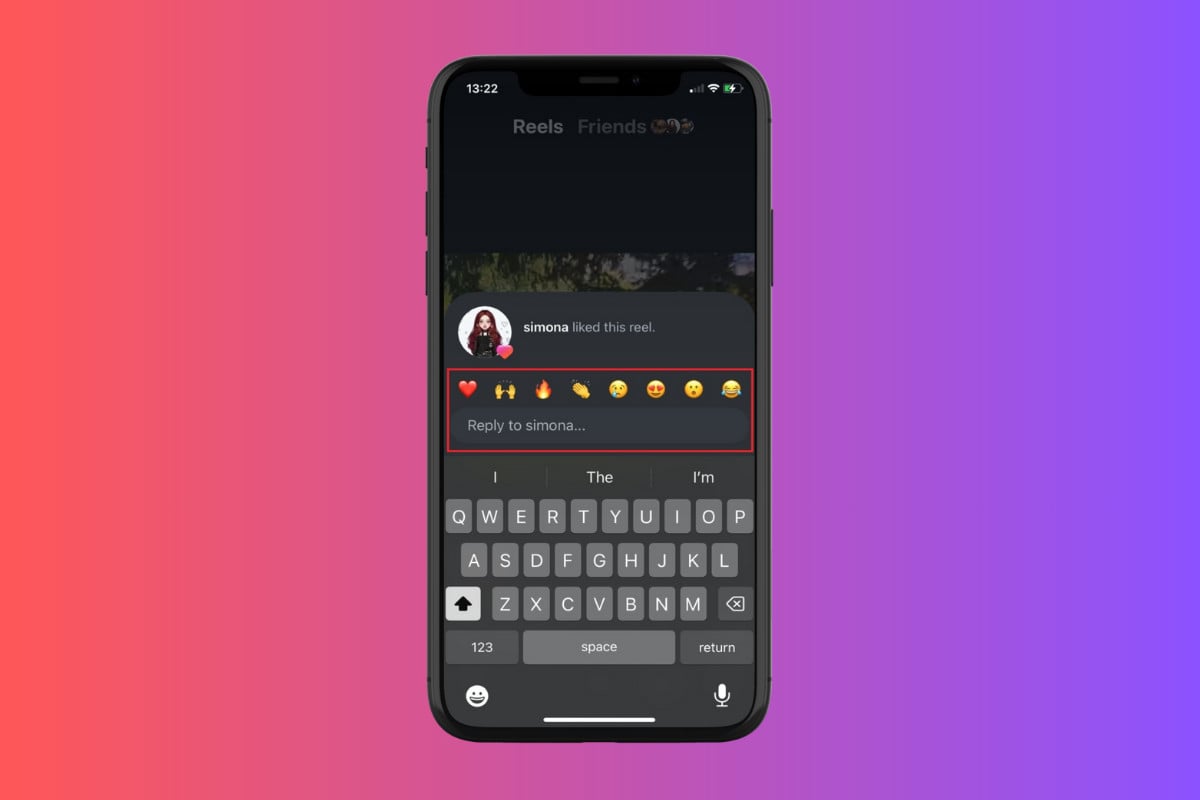
How to Reply to a Like on a Reel on Instagram
This new way of interacting with your friends makes scrolling through Reels even more fun.
- Open Instagram and tap on the Reel icon from the bottom ribbon.
- Tap on the floating like icon of any user.
- Type in your message under the Reply box or select any reaction of your choice.
- Tap on the arrow icon to send the message in the user’s DMs.
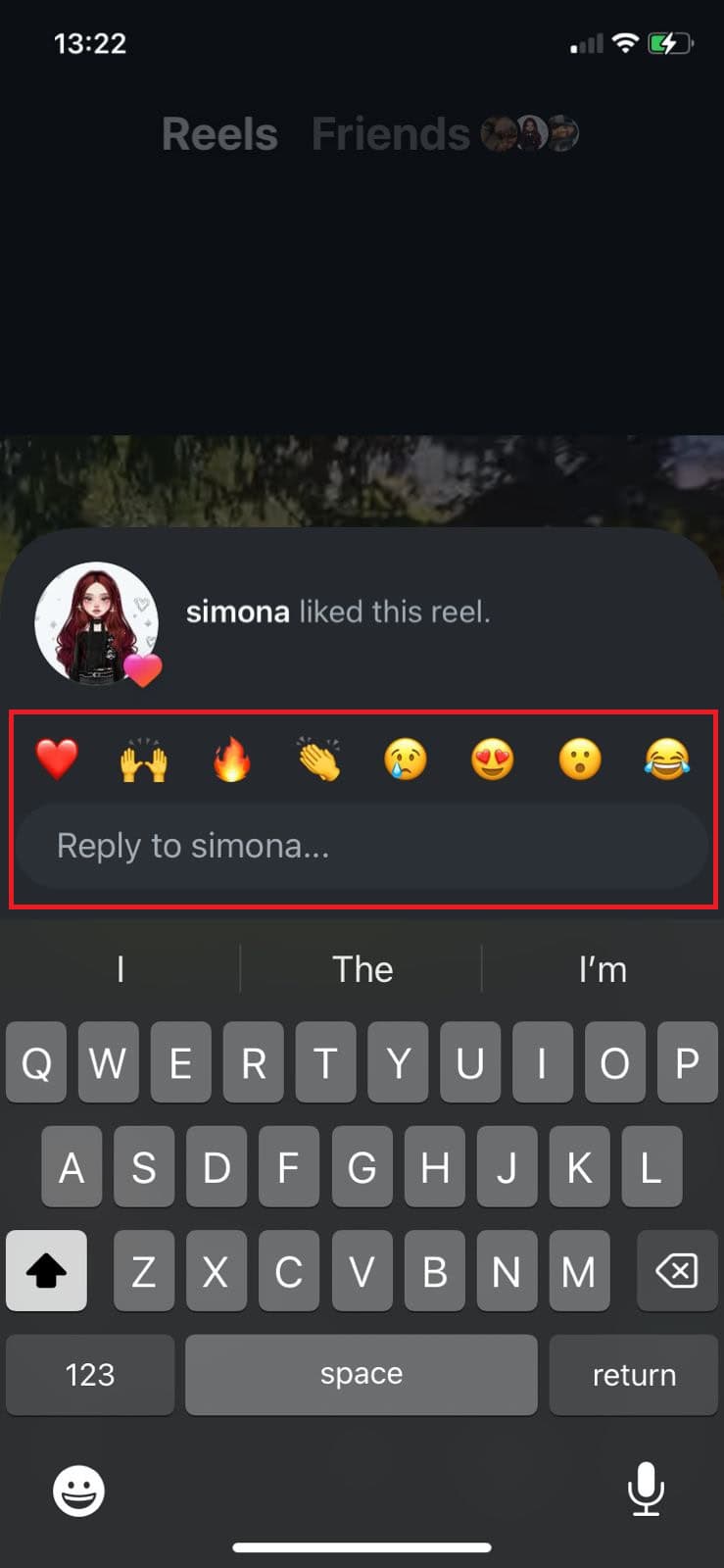
Your replies will be personally sent to the user.
