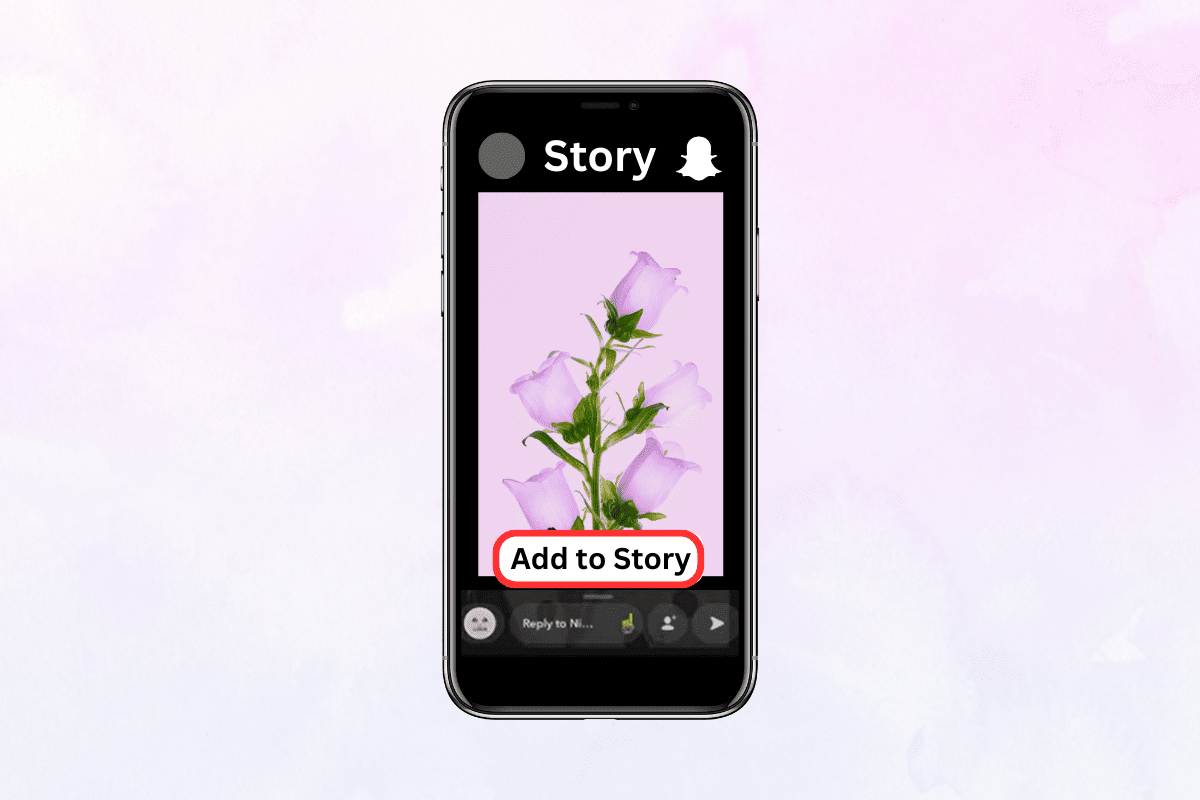
- How to Repost Someone’s Snapchat Story
- Can I Save Someone Else’s Snapchat Story?
- Method 1: Take a Screenshot
- Method 2: Use a Screen Recorder
- Method 3: Download the Story
- How to Repost Tagged Snapchat Story
- Method 1: Use a Third-party App
- Method 2: Share it with Friends
- Method 3: Create the Story Again
How to Repost Someone’s Snapchat Story
Can I Save Someone Else’s Snapchat Story?
Saving someone else’s Snapchat story could prove to be quite tricky. This is because the app is designed to delete content after a certain period of time, and there is no direct feature to download or save a story . However, there are a few methods by which you can try to save a Snapchat story if you want to keep it for future reference or any other purpose. You can opt for any of the ways described below:
Method 1: Take a Screenshot
One of the easiest and most common ways to save a Snapchat story is to take a screenshot of the snap or text. In this method, you need to simply press the Home button and the Sleep/Wake button at the same time (on an iPhone) or the Power button and the Volume Down button at the same time (on an Android device).
Note 1: An alternative way to take a screenshot is by pulling down the menu and tapping on Screenshot . However, this option is not available for all devices and may vary from manufacturer to manufacturer.

Note 2: It is important to know that taking a screenshot will notify the person who posted the story. So, you should be cautious while using this method and it should only be used if there is an emergency.
Method 2: Use a Screen Recorder
Another way to repost someone’s Snapchat story is by using a screen recorder. There are a lot of screen recorder apps that are available for both iOS and Android devices. These apps can be used to record the story without notifying the owner of the story. Some popular options are AZ Screen Recorder, DU Recorder, and Screen Recorder & Video Recorder – XRecorder . Please note that this method should be used with the permission of the user whose story is to be captured.
Note: You can also use the stock screen recorder, if it comes with your device. Pull down the notification menu and tap on Screen Recorder .

Method 3: Download the Story
If you do not wish to take a screenshot or use a screen recorder, you can try using a third-party app to download the story directly from Snapchat. This is because Snapchat does not offer a feature to download someone’s story. However, this method is not recommended as it violates the terms and services of Snapchat and could lead to your account being banned or suspended.
How to Repost Tagged Snapchat Story
These are a few ways you can share a tagged story with your followers:
Method 1: Use a Third-party App
There are several third-party apps available that can help you repost a Snapchat story in which you are tagged. Some popular options include Repost for Instagram , Repost Story for Instagram , and Regrammer . These apps normally work by allowing the users to download the tagged story and then upload it to their account, giving credit to the original poster in the caption.
Method 2: Share it with Friends
You can also choose to share a tagged story with your friends on Snapchat.
Open the tagged story and then swipe up from the bottom of the screen.
Tap on Send Snap .

- Tap on your friend’s profile to send them the story.

Method 3: Create the Story Again
If you do not wish to use a third-party app or share the story on Instagram, you can also re-create the story manually using your Snapchat account. To do this, just create your own Snap which is similar to the tagged story.
Note: It is important to note that when reposting a tagged Snapchat story, you should always give credit to the original poster in the caption or tags. This not only respects their ownership of the content but also helps to prevent any potential legal issues.
