Instagram is filled with videos you don’t want to forget, whether it’s a funny reel or inspiring tutorials. But a single scroll can vanish your content easily, which is why keeping the important ones is so vital. If you ever want to save your favorites offline, you should know how to save a video on Instagram to your gallery. This way, you can always come back to watch them on your device! Let’s see how it’s possible.
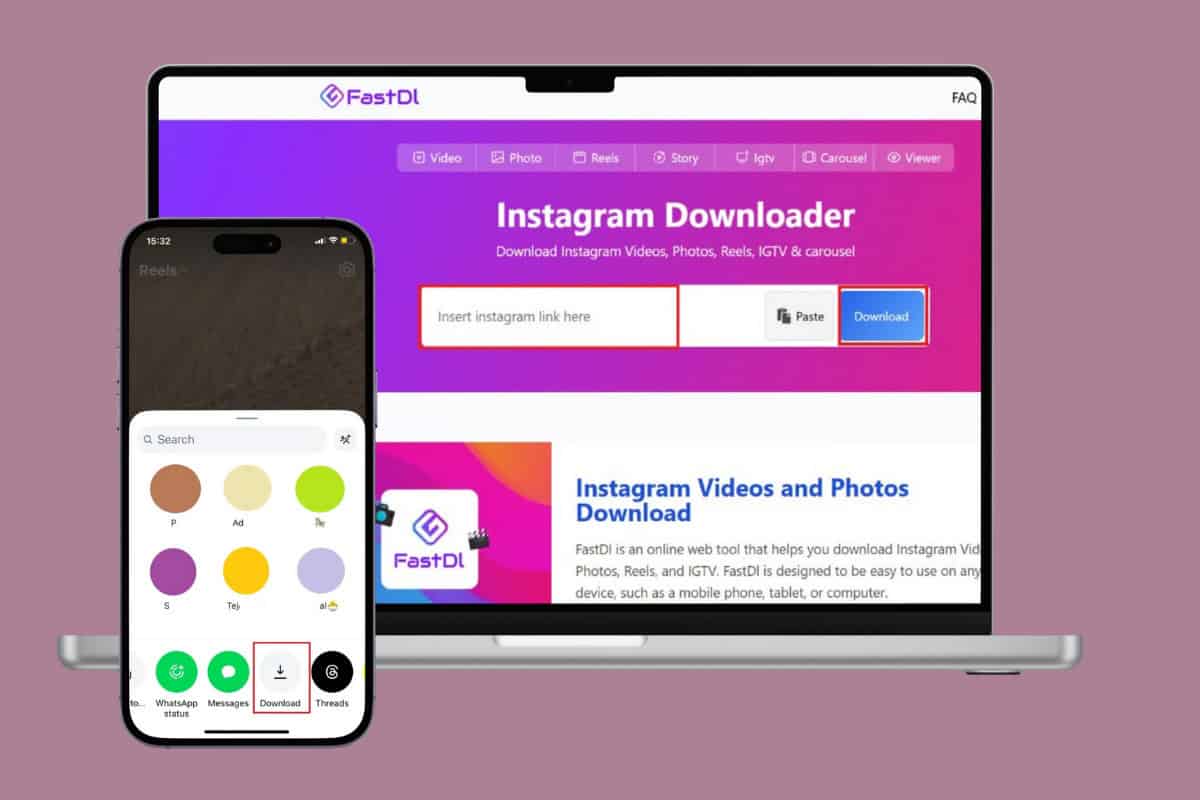
- How to Save a Video on Instagram to Gallery
- Method 1: Via Share Option
- Method 2: Via Screen Recording
- Method 3: Via Third-Party Apps
How to Save a Video on Instagram to Gallery
Whether you are saving a video with friends or building a creative moodboard, now you can keep those videos with you forever.
Method 1: Via Share Option
Now you can easily use the built-in save option on Instagram to get videos on your phone. Here’s how:
- Open Instagram and tap on the Reels icon .
- Tap on the arrow icon .
- Swipe right and select Download .
- Open Gallery to access media.
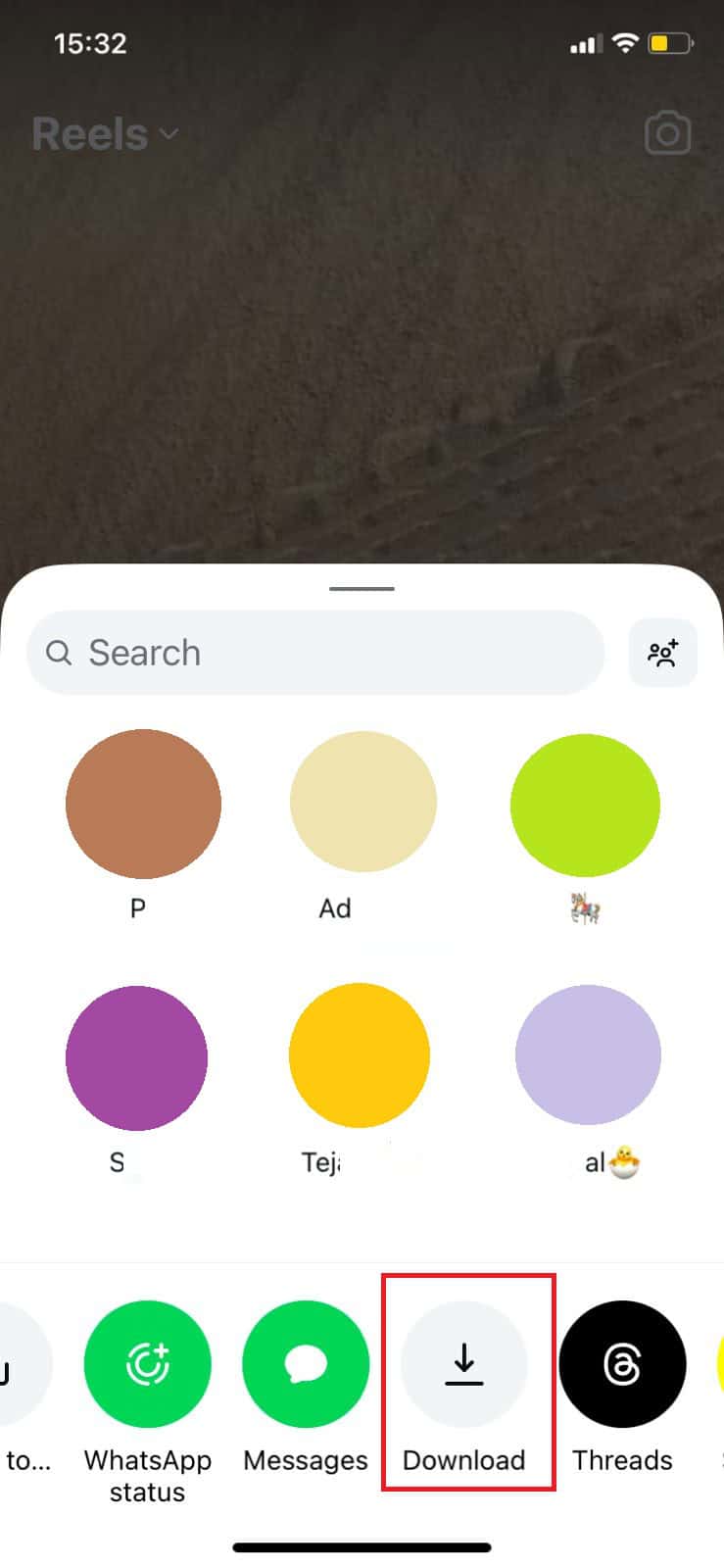
That’s it, you can download Instagram videos and reels easily.
Method 2: Via Screen Recording
Not all creators permit users to download their videos. If the option is unavailable under some content, you can also screen record your screen and access it on your phone.
Method 3: Via Third-Party Apps
Many third-party apps can download Instagram reels and save them on your device.
Note: We do not endorse the use of third-party apps as they may expose your device to unwanted malware or viruses. User discretion is advised!
- Open Instagram and tap on the Reels icon .
- Tap on the arrow icon .
- Select Copy link .
- Now, open any Instagram downloader app. Here, we have taken FastDL .
- Paste your link in the box.
- Then, select Download .
- Open Gallery or File Manager and access the video.
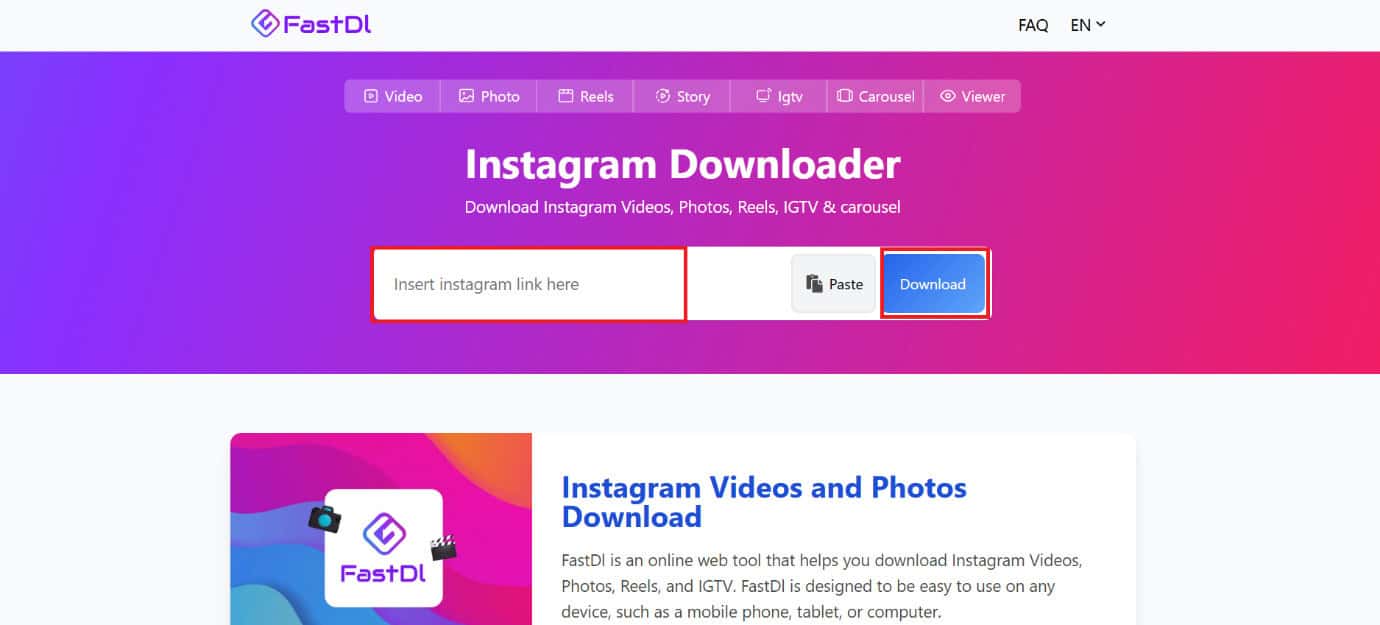
Now you can save videos from Instagram to your gallery on iPhone and Android devices.4
