Instagram DMs have evolved beyond plain text and boring conversations. Now they come packed with playful features, including animated emojis. These aren’t your usual static reactions; they pop, bounce, or even explode with motion. If you’ve been seeing them and wondering how to use animated emojis in your Instagram DMs, then check out this guide!
How to Use Animated Emojis on Instagram DMs
If you’re ready to turn up the energy in your chats, here’s how you can find and use these fun emoji effects in just a few taps.
- Open Instagram and tap on the home icon from the bottom ribbon.
- Tap on the message icon at the top right corner.
- Select the user of your choice.
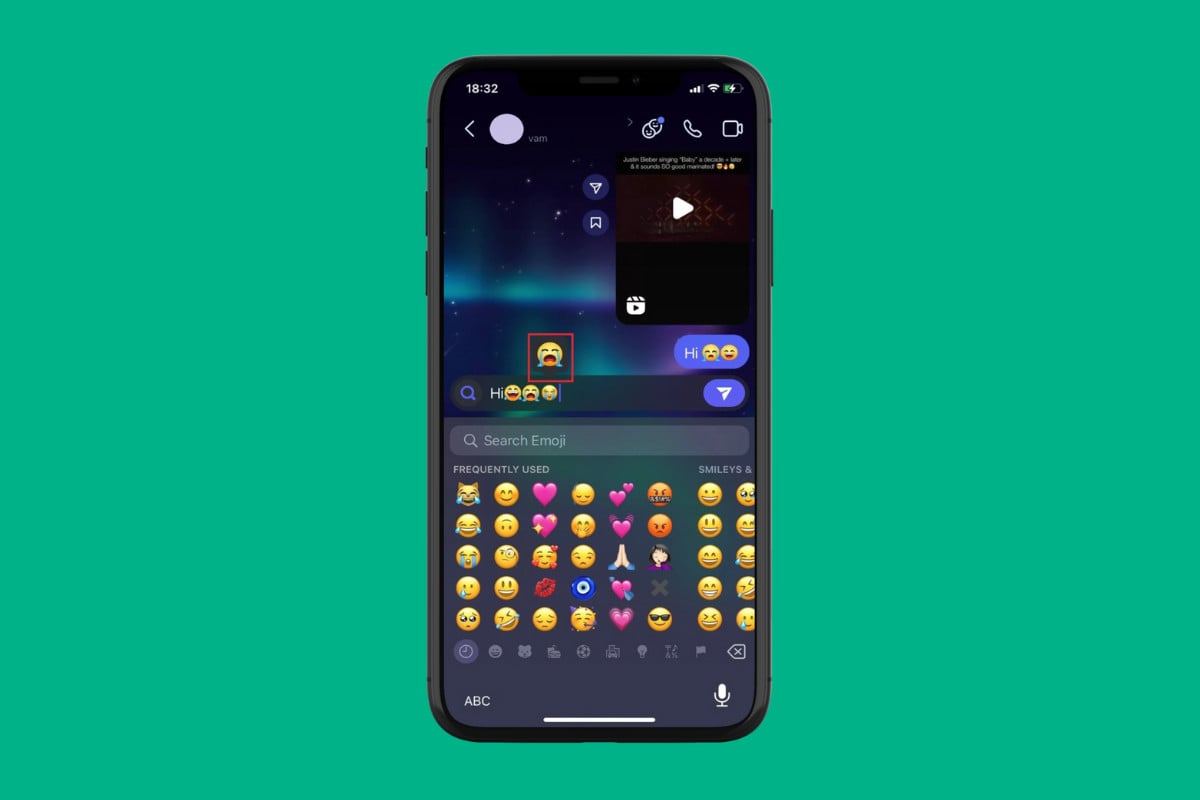
- Now, type in an emoji .
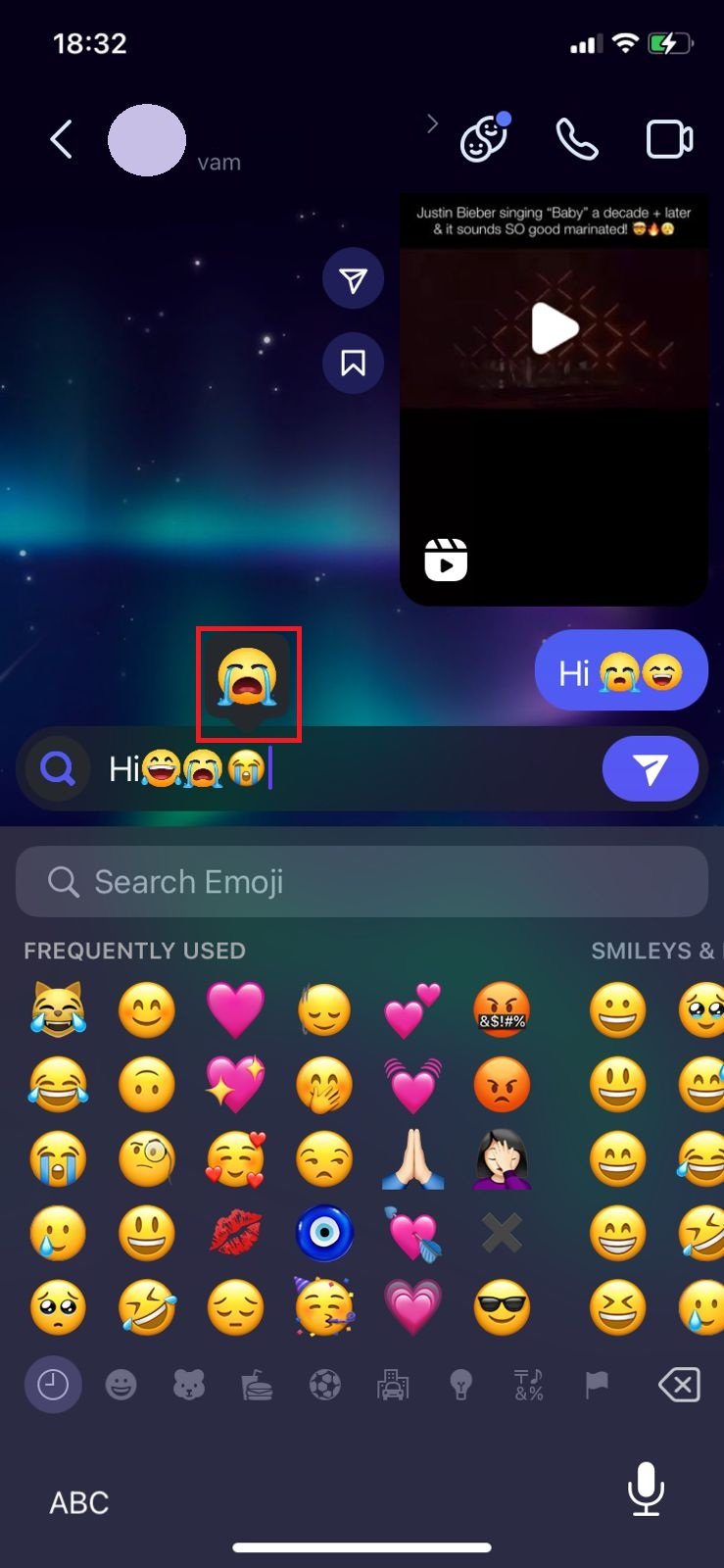
- Then, select the animated effect above the emoji. Please note that this effect is only valid on certain emojis.
- Tap on the send icon .
That’s it, now you can make your messages a fun place to interact.
