In the current digital era, free access to data and online security are more crucial than ever. Several internet users are using privacy tools like proxy servers to safeguard their online activity in response to growing worries about government censorship, data tracking, and content geo-blocking. Interstellar Proxy is one such technology that has grown in popularity. But not all of us know how to use Interstellar Proxy to our benefit. Today, let’s clear your doubt away!
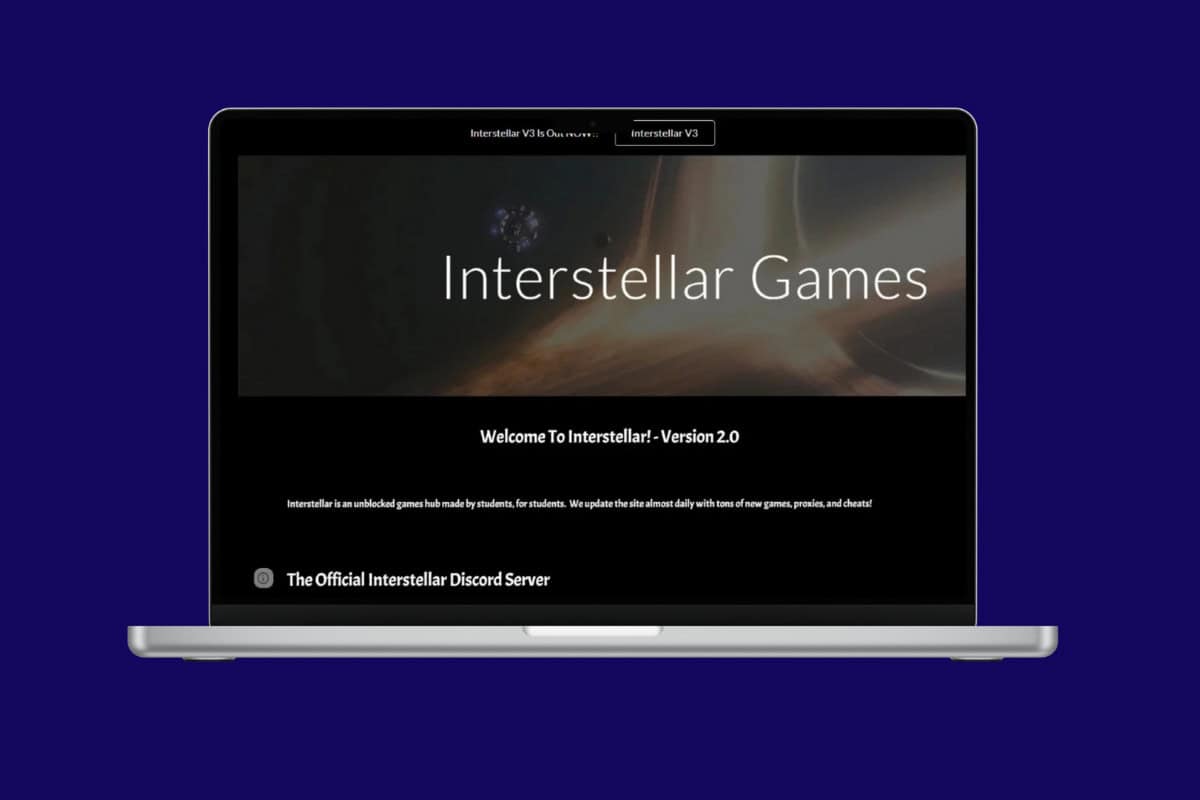
- How to Use Interstellar Proxy
- What Is Interstellar Proxy?
- What is an Interstellar Unblocker?
- How Does an Interstellar Unblocker Work?
- How to Protect Your Data While Using Interstellar?
- Pros and Cons of Using Proxy
- Interstellar Proxy vs. VPNs
How to Use Interstellar Proxy
With just a few steps, you will be able to figure out this proxy and use it to get free content.
- Visit the official Interstellar Proxy site or Discord server .
- Click on Proxy and select the proxy server location of your choice.
- Visit the official GitHub Repository to download the proxy project and resources.
- Follow the on-screen instructions to download the files to your desktop.
- Enter the URL of the website into the search bar
- Click on Surf to be connected to the website.
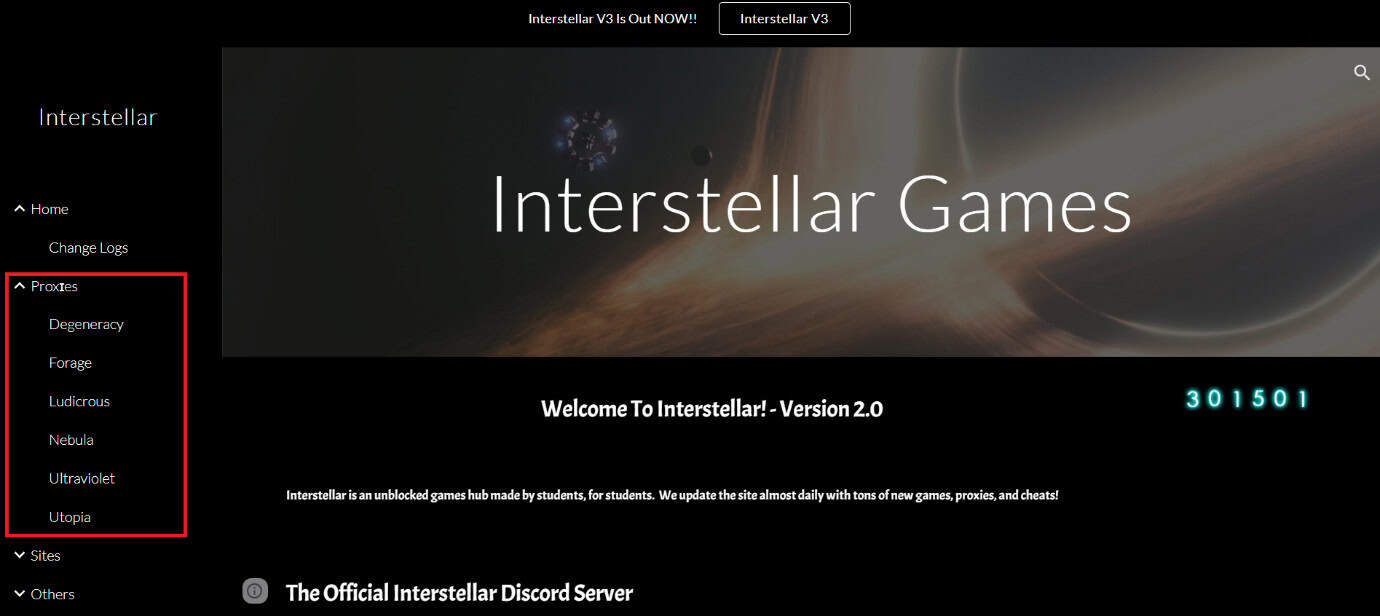
This way, you will be able to access and set up the Interstellar Proxy.
What Is Interstellar Proxy?
Interstellar Proxy acts as a middleman, sending all of your online traffic through its own servers first. To access a website, you send a request to the Interstellar Proxy server rather than connecting directly. After that, the proxy takes action on your behalf by sending the website your request and returning the material to you.
More significantly, this procedure conceals the URL of the target website from your local network while also successfully masking your IP address from the destination website. It effectively gets over filters that restrict particular websites in this way.
What is an Interstellar Unblocker?
An Interstellar Unblocker is a program designed to help internet users bypass restrictions on online content. It allows users to access resources and websites that could otherwise be blocked temporarily or restricted regionally. An Interstellar Unblocker, unlike more conventional techniques like VPNs, typically operates by concealing your IP address and redirecting your internet traffic through alternative routes, ensuring that you have unrestricted access without compromising security.
How Does an Interstellar Unblocker Work?
Using a proxy server or a chain of proxy servers to conceal your true IP address, an Interstellar Unblocker works by directing your internet traffic across them. By using the unblocker, websites only see the IP address of the proxy server, thereby hiding your actual location and getting around geo-blocks. Its technique usually relies on sophisticated proxy solutions that routinely change IP addresses to evade discovery. As a result, people can surf without worrying about websites blocking or flagging them.
How to Protect Your Data While Using Interstellar?
Here are some tips you can use when accessing Interstellar Proxy:
- Enable your antivirus while using the software to prevent malware programs from installing on your computer.
- Do not share any sensitive information like passwords or bank details.
- Only use trusted links.
- Use it for casual browsing to get games or apps.
Pros and Cons of Using Proxy
If you are in two minds about using this proxy, here are some things to make an informed decision:
| Pros | Cons |
|---|---|
| Free to use | Privacy and security concerns |
| Unblocks websites and apps with restricted network | Slow browsing experience |
| Easy-to-browse interface | Several pop-up ads can install malware |
| Not all websites load |
Interstellar Proxy vs. VPNs
Here are the key differences between the Interstellar proxy and other VPNs:
| Feature | Interstellar Proxy | VPNs |
|---|---|---|
| Encryption | End-to-end encryption between the user and proxy nodes | End-to-end encryption between the user and the VPN server |
| Speed | Slow due to adding extra protection on servers, but subject to node performance | Fast due to optimized servers and protocols, with some overhead |
| Anonymity | Hides the user’s IP address from the website | Hides the user’s IP address from the ISP and the website |
| Ease of Use | Easy browser-based setup that doesn’t require any software | Requires manual setup and VPN client software |
| Blocked Content | Escapes the majority of geo-restrictions and website blocks | Escapes the majority of geo-restrictions and website blocks |
| Cost | Free to use | Mostly requires a paid subscription |
| Network Type | Decentralized network of user-run proxy nodes | Centralized network of VPN providers’ servers |
