Socratic has become a renowned educational app that was designed specifically to help students understand homework problems and learn concepts across various subjects like math, science, history, and literature. But if you’ve just downloaded the app or heard about it from a classmate, you might be staring at the interface, wondering how to use Socratic by Google properly. Don’t worry, it’s not that difficult after we help you out!
How to Use Socratic by Google
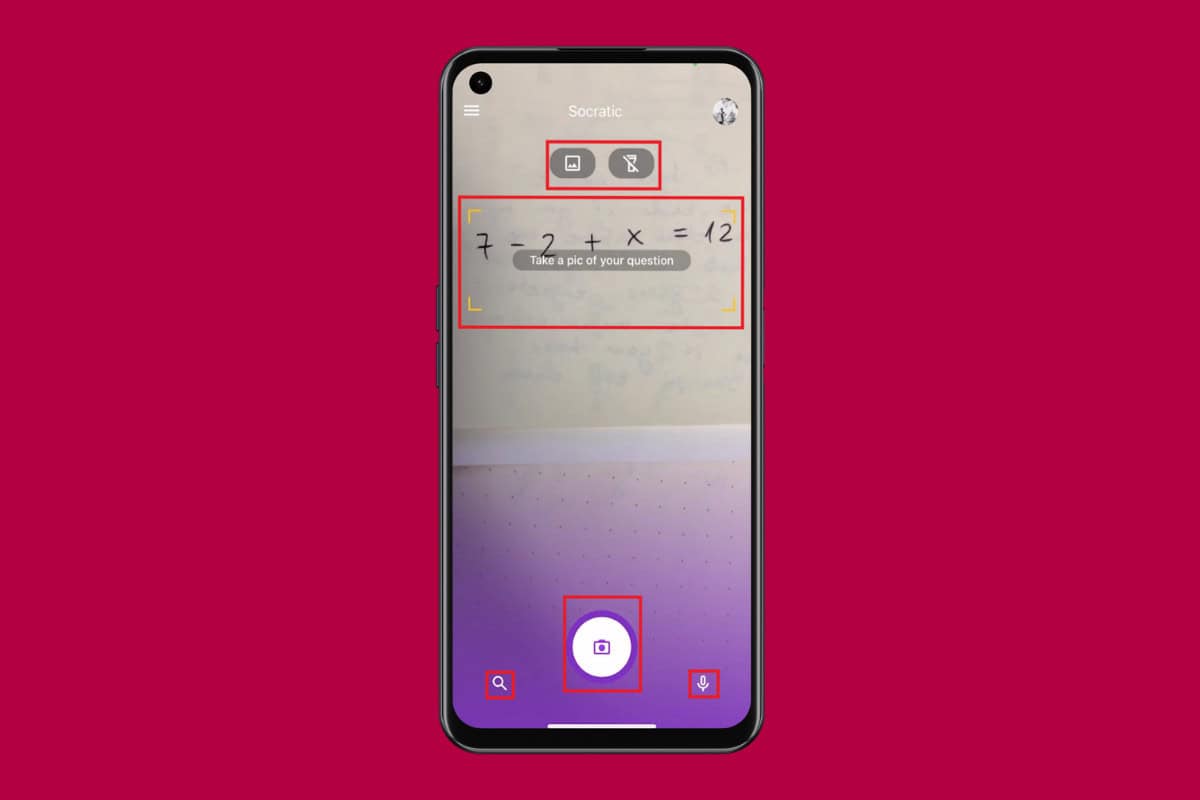
Socratic is known to use your phone’s camera and advanced algorithms to analyze questions and provide step-by-step explanations.
- Download Socratic from Google Play Store or the App Store.
- Sign in using your email credentials .
- Tap on OK to give the app camera permissions.
- Place the camera over the question and tap on the camera icon to click a picture.
- Tap on the gallery icon to upload a picture.
- Tap on the flash icon to turn on the flash.
- Tap on the voice icon at the bottom right corner to give voice commands.
- After the question has been detected, tap on it to make any changes.
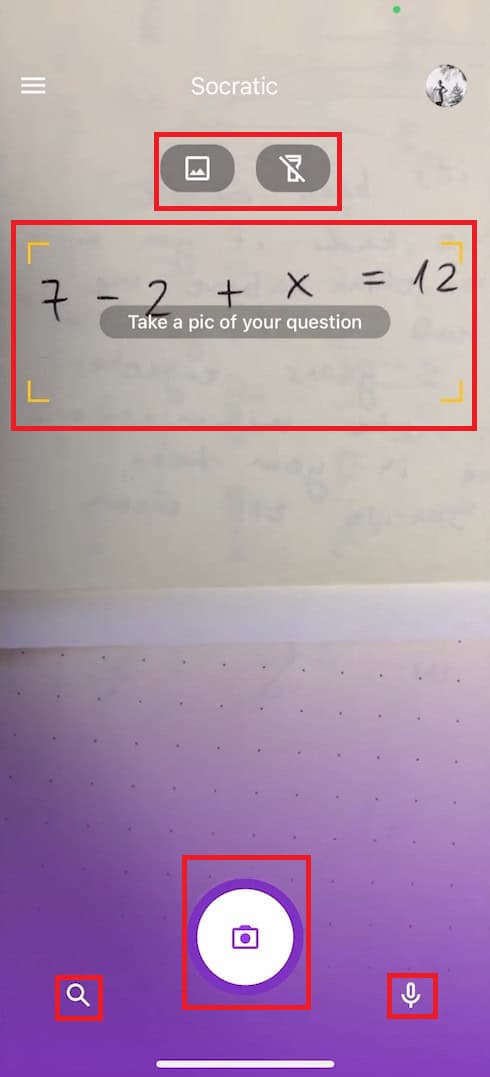
With these easy steps, you will be able to use Socratic to its full ability.
