Be it searching for a specific dress or recognising a person, image searches are widely popular for various reasons. You must have heard of Yandex if you’re new to the game. Popular among journalists, researchers, and investigators, the platform has an unparalleled capacity to recognise faces, match items, and locate related pictures. Today, we will tell you all about Yandex reverse image search, what it is, and how it works. Let’s get started!

- Yandex Reverse Image Search 2026
- How to Use Yandex Reverse Image Search
- How to Search Image in Yandex
- Why Use Yandex Reverse Image Search?
- Alternatives to Yandex Reverse Image Search
- Bing Image Search
- Berify
- TinEye
- Google Image Search
- Flickr
Yandex Reverse Image Search 2026
Yandex Images lets you search using a picture instead of keywords. It analyzes visual patterns (shapes, objects, text, and overall similarity) to show visually similar images and pages where the image appears.
How to Use Yandex Reverse Image Search
If you are new to the platform and still figuring out the interface, here’s how to use Yandex easily.
- Visit the official Yandex Image website .
- Click on the camera icon in the search bar.
- Select the image of your choice.
- Click on Open .
- If the image is posted online, then copy the URL and paste it in the search bar .
- Hit Enter .
If you don’t see the camera icon, make sure you’re on yandex.com/images (not just the homepage).

You will get all related searches based on the image.
How to Search Image in Yandex
You can also use keywords and get results:
- Visit the official Yandex website .
- Type in a keyword .
- Then, click on Search .

You will be able to see all images closely related to your given keyword.
Why Use Yandex Reverse Image Search?
Yandex has several best features that benefit the users:
- High Precision: Yandex’s image recognition system excels at identifying objects, persons, or locations in photos or finding visually comparable images.
- Multilingual Support: Yandex functions effectively with pictures from various languages and geographical areas. Because of this, it’s a suitable option for international searches or non-English content.
- Wide Search Scope: It looks through a sizable index of websites, including local or specialized ones. This can highlight results that Google and other search engines might overlook.
- Privacy: For basic use, Yandex does not require an account. Users who are worried about data tracking on other platforms could find their privacy policies appealing.
- Versatile Applications: It is useful for recognizing unknown things, locating higher-resolution versions, confirming the validity of images, and locating an image’s source.
Alternatives to Yandex Reverse Image Search
There are several other reverse image search platforms you can also try out.
1.Bing Image Search
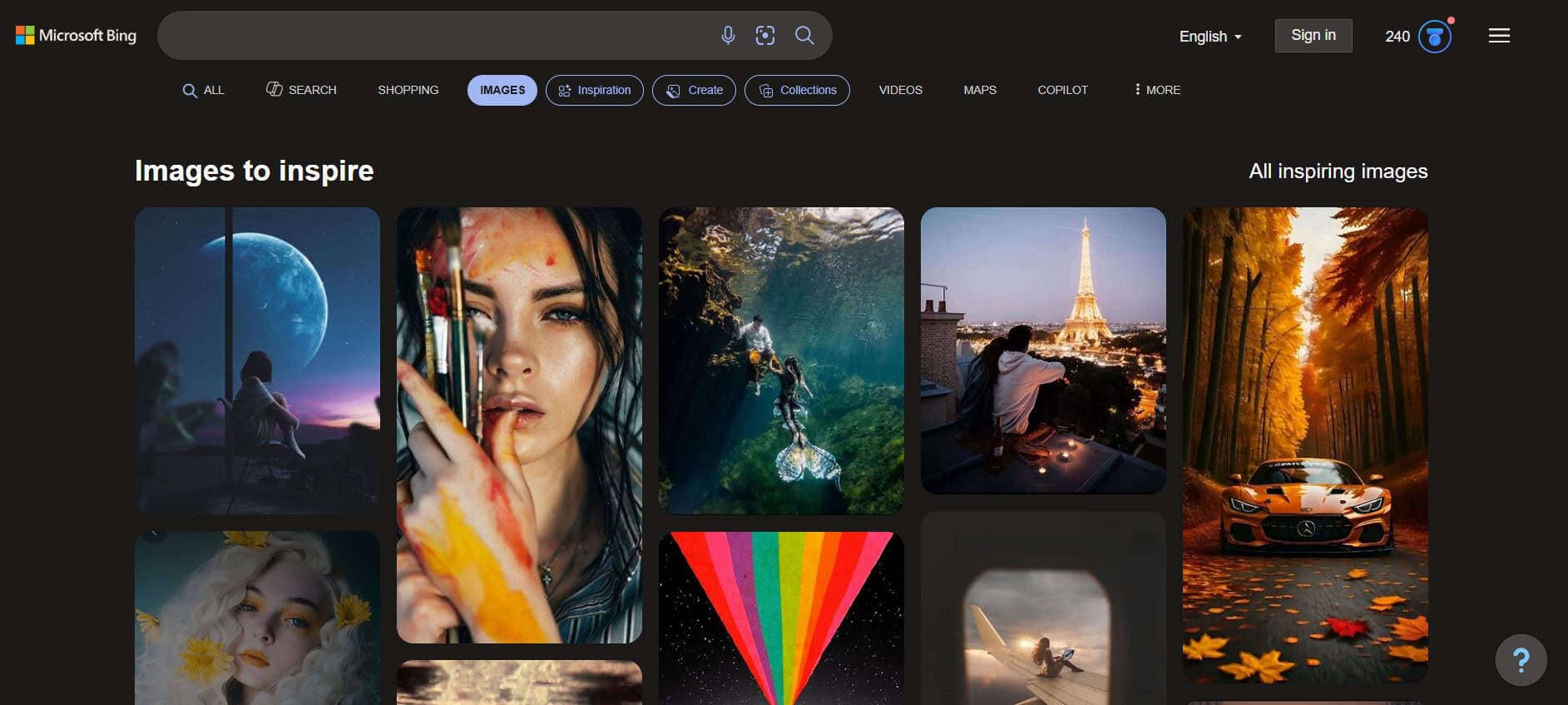
With the new Bing powered by ChatGPT AI, Bing’s picture search has improved, making it a good option as a Yandex reverse image search alternative. You may now create new photographs from scratch and type a description in addition to discovering pictures. Although it was first introduced in 2007, the AI enhancement makes it a new competitor.
2.Berify
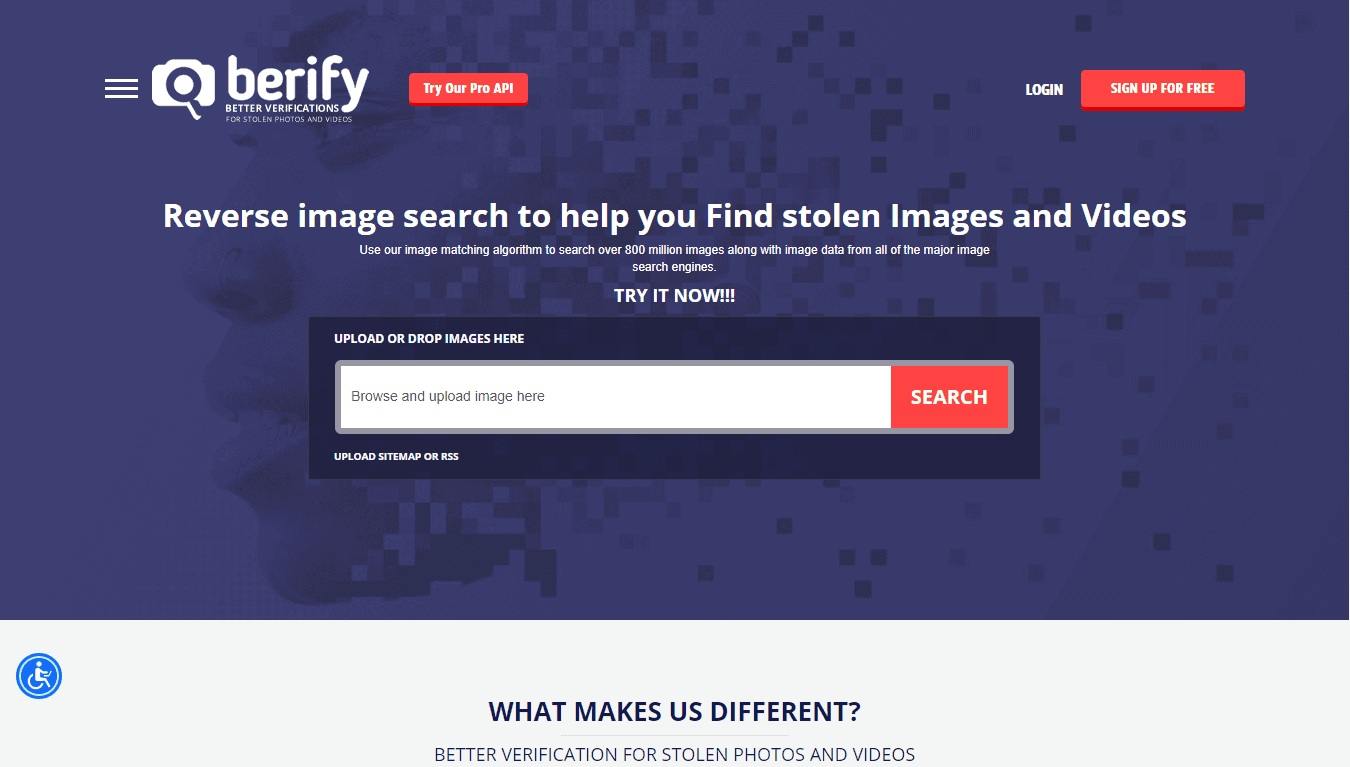
With its enormous 800 million+ file database, Berify excels as a free reverse image tool that is ideal for identifying stolen images or films. Simply upload your photo to the finest free PimEyes substitute, and it will quickly find matches. There’s a good chance you’ll find exactly what you’re looking for.
3.TinEye
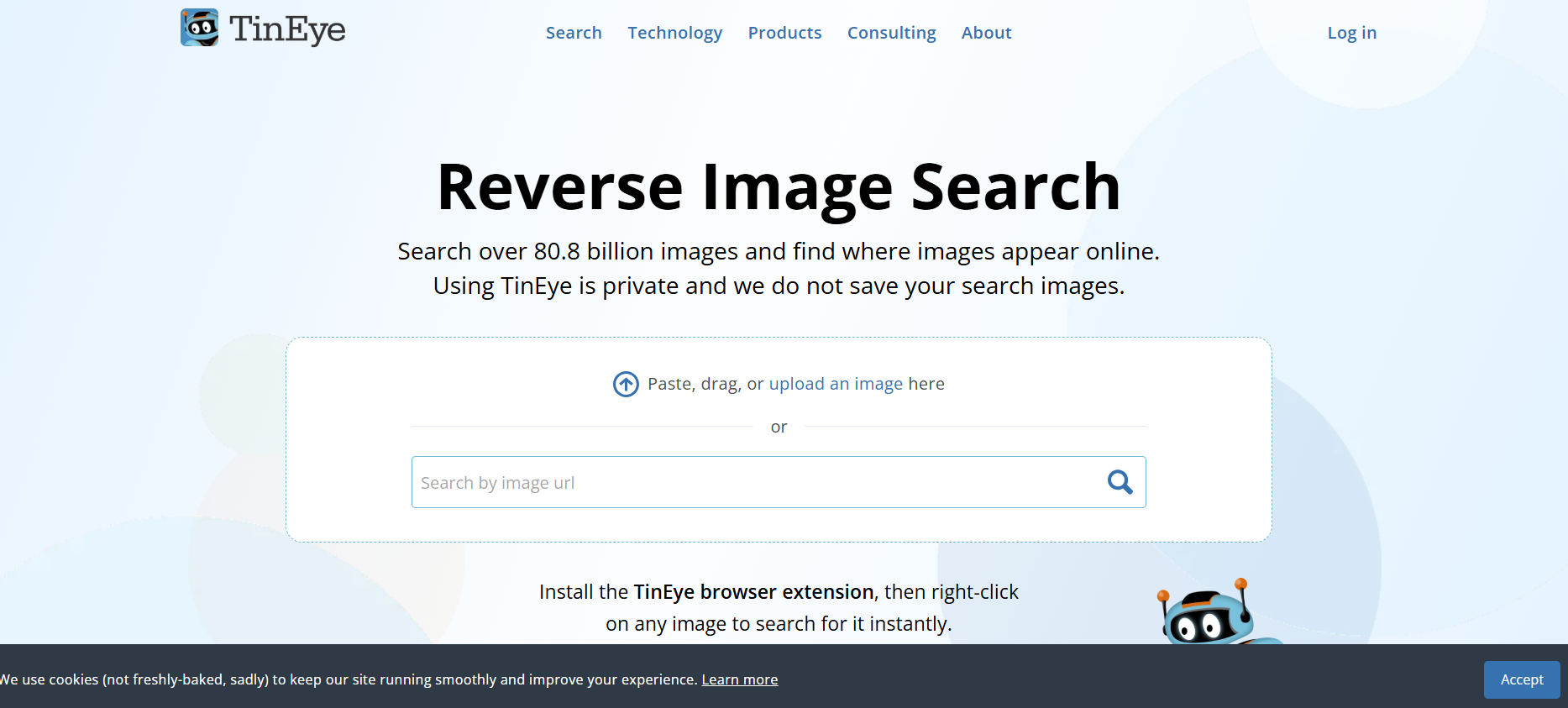
TinEye has the fastest and most accurate image recognition technology in the world. To track matches, check photos, or look for copies online, you can upload a photo or paste a URL. Color searches, label matching, and smartphone identification are just a few of its many features.
4.Google Image Search

Thanks to its massive database integrated directly into the main Google engine, Google Images is the best option for simple facial recognition. There are no restrictions on the kinds of images or queries, simply consistently fast and accurate results. For fast hunts, it’s difficult to top.
5.Flickr

You can submit your own images to Flickr and share them with friends or groups of your choosing. In addition, it contains an enormous collection of images that anyone may browse by just entering their search term in the box. Lots of free content to peruse.
